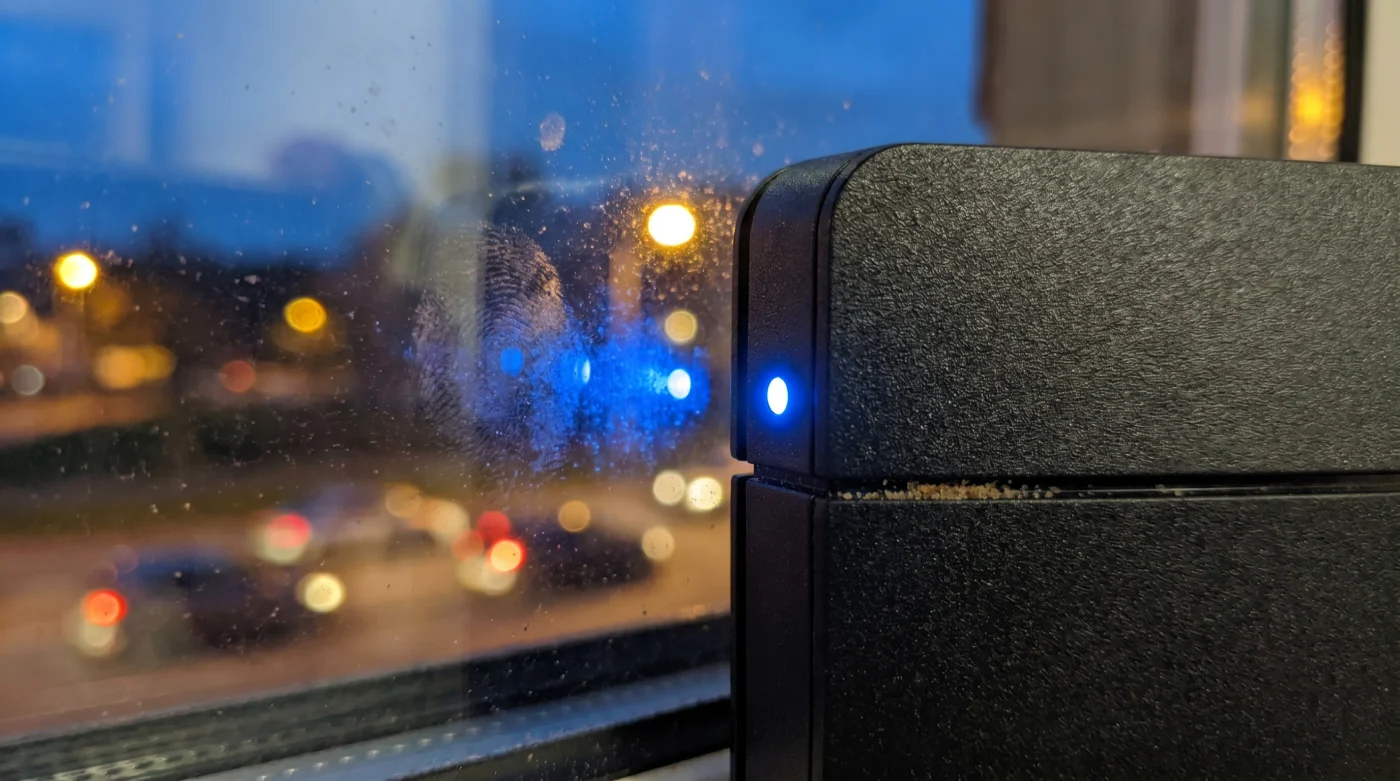
You pull the sleek, monolithic fiber optic router from its cardboard box, the smell of fresh packing foam momentarily filling the room. You want the best possible signal, so you bypass the cramped bookshelves and the dense, shadow-filled entertainment console. Instead, you set it right on the windowsill of your living room. It makes logical sense. You are giving the antennae a clear, open view of the house, bathed in afternoon sunlight, far away from the thick plaster walls of the interior hallway.
You sit on the sofa across the room, expecting the webpages to snap onto your screen with instant, fiber-optic fluidity. But the connection falters and gasps. The video quality drops to a pixelated blur, and your smart speaker hesitates before answering a simple command. You reset the machine, assuming a provider glitch, entirely unaware that the real culprit is the transparent surface right behind the device.
We carry a stubborn assumption that clear glass equals clear airspace. Because our human eyes can see through the pane, we trust our Wi-Fi signals can pass through it just as easily. This visual bias tricks us into creating the very interference we are trying so desperately to avoid, turning what should be a technological powerhouse into a struggling, confused transmitter.
The reality is that modern architectural glass is coated in invisible metallic oxide. These microscopic layers, designed to keep your home warm in the winter and cool in the summer, act as a brutal, highly efficient mirror for the very radio frequencies your router depends on to function.
The Glass Mirror Effect
Imagine standing in a small, tiled bathroom and shouting at the top of your lungs. The sound doesn’t just travel forward; it slams into the hard tiles and violently bounces back, layering over your own voice until the room is filled with a muddy, deafening echo. This is exactly what happens to your fiber optic router when it sits flush against a windowpane. The belief in open-air signal strength completely ignores the physical density of modern glass.
Your router transmits data using delicate, invisible waves of energy. When these waves hit the Low-E (low-emissivity) coating of a double-pane window, they do not pass gracefully into the backyard. Instead, they fracture, refract, and ricochet directly back into the room. This bounce creates a chaotic environment known as signal interference. Your laptop is suddenly receiving the original signal from the front of the router, closely followed by the delayed, bounced signal from the glass behind it. The router spends half its processing power trying to untangle its own echoes, effectively cutting your functional range in half.
Elias Thorne, a 42-year-old network field technician based in Pennsylvania, spent a decade diagnosing ‘dead zones’ in modern residential spaces. He kept encountering families paying for premium, gigabit-speed fiber optics who couldn’t stream a movie on the couch. After replacing hardware to no avail, Elias started looking at the physical environment. He realized that homeowners instinctively placed routers near massive, floor-to-ceiling windows to keep them ‘out in the open.’ His primary repair method became almost comical: he would walk into a home, pick up the router, move it thirty-six inches away from the glass, and watch the network speeds quadruple instantly.
Tailoring the Placement
Not all glass behaves the same way, and the layout of your home drastically changes how this interference manifests. Understanding your specific environment allows you to reclaim the center ground of your living space.
- Manchester City – Arsenal Broadcasters Abruptly Block Mobile App Casting
- Tesla Model Y Heat Pumps Degrade Fast Using Eco Mode
- Cast Iron Skillets Lose Their Seasoning When Using Paper Towels
- Ceramic Brake Pads Destroy Your Rotors During Short City Commutes
- Olive Oil Bottles Spoil Instantly Stored Above Your Kitchen Stove
- Apple Watch Battery Life Doubles Disabling This Hidden Background Metric
- Memory Foam Mattresses Double Their Lifespan With This Base Flip
- SPF 50 Sunscreen Accelerates Skin Damage When Mixed With Moisturizer
- Cast Iron Skillets Degrade Instantly When Preheated Completely Empty
- Tesla Model Y White Interiors Secretly Accelerate Resale Value Loss
For the Modern Open-Concept Dweller
If you live in a newer build with massive sliding patio doors and expansive picture windows, your entire exterior wall is essentially a radio-frequency shield. Placing a router anywhere near the perimeter of these rooms guarantees that half of your broadcast power is bouncing uselessly against the glass. The solution is not a stronger router, but drawing the device deeper into the room, anchoring it to a central piece of furniture like a kitchen island or an open-backed bookshelf.
For the Historic Homeowner
Older homes in Pennsylvania often feature wavy, single-pane glass. While these lack the heavy metallic coatings of modern windows, homeowners frequently pair them with thick, aluminum-framed storm windows. These metal frames and secondary panes create a cage effect. If your router sits on the sill of a historic window, the dense metal framing will slice the signal into fragments before it even reaches the center of the room.
Mindful Application
Correcting this placement does not require a degree in network engineering. It requires a deliberate, mindful approach to how you arrange the physical objects in your home. You are not just decorating; you are tuning a delicate instrument.
To stop the glass from choking your fiber optic speeds, follow these physical adjustments. They take only minutes but alter the digital texture of your entire home.
- The Three-Foot Rule: Pull the router at least three feet away from any exterior window. This gives the signal enough physical space to disperse outward before the backward bounce can cause severe interference.
- Center Gravity: Identify the geographical center of your home. Your router should sit as close to this point as structurally possible, broadcasting out like ripples in a pond, rather than shouting from the perimeter.
- Height Matters: Elevate the router five to seven feet off the floor. Do not hide it behind a television or underneath a desk. The higher the placement, the fewer solid objects the signal has to punch through.
- Avoid Symmetrical Traps: Never place the router perfectly between two opposing windows, as this can create a ping-pong effect of bouncing frequencies across the room.
By respecting the physics of the machine, you allow the invisible waves to breathe and expand naturally, rather than forcing them into a localized boxing match with your energy-efficient windows.
The Bigger Picture
We often treat our home technology with an entirely hands-off reverence, assuming that if we buy the fastest package and plug in the right cords, the invisible magic will simply happen. But true comfort in your space comes from understanding how the physical and the digital worlds interact. A router is not just a plastic box; it is an active participant in the ecosystem of your home.
When you stop viewing your windows merely as transparent voids and start recognizing them as dense, physical boundaries, you gain control over your environment. You stop blaming the service provider. You stop feeling frustrated by endless loading screens. Instead, you create a space where the architecture and the technology finally work in quiet, invisible harmony.
The fastest fiber optic connection on earth cannot outrun bad geography. Move the transmitter to the heart of the home, and let the signal breathe.
| Key Point | Detail | Added Value for the Reader |
|---|---|---|
| The Window Myth | Glass is transparent to light, but highly reflective to 5GHz and 6GHz radio frequencies. | Prevents you from sabotaging your own network by relying on visual logic. |
| Low-E Coatings | Modern windows use metallic oxides to reflect heat, which also violently bounces Wi-Fi signals. | Explains exactly why newer homes suffer worse dead zones near the perimeter. |
| The Three-Foot Rule | Moving the router a minimum of 36 inches away from any pane prevents immediate signal collision. | Provides an instant, zero-cost physical hack to double your usable range. |
Frequently Asked Questions
Does drawing the curtains help the signal pass through the window?
No. Curtains block light, but they do nothing to stop the radio waves from hitting the metallic coating on the glass behind them. The bounce still occurs.If I put the router by the window to reach my backyard, what should I do instead?
You are better off placing a weatherproof outdoor access point outside the home. Trying to blast an indoor router’s signal through double-pane exterior glass will only weaken your indoor connection.Do interior glass doors cause the same problem?
Standard interior glass doors are generally uncoated and cause less severe bouncing, but thick frosted glass or heavy mirrors will still significantly degrade the signal.Is 5GHz or 2.4GHz more affected by window panes?
The 5GHz and 6GHz bands are far more fragile and susceptible to bouncing off solid surfaces. The older 2.4GHz band penetrates slightly better, but is much slower.Can I test if my window is causing the issue?
Run a speed test on your phone while standing next to the router on the windowsill. Then, move the router to a central table, wait two minutes, and test again from the same spot. The numbers will tell the story.