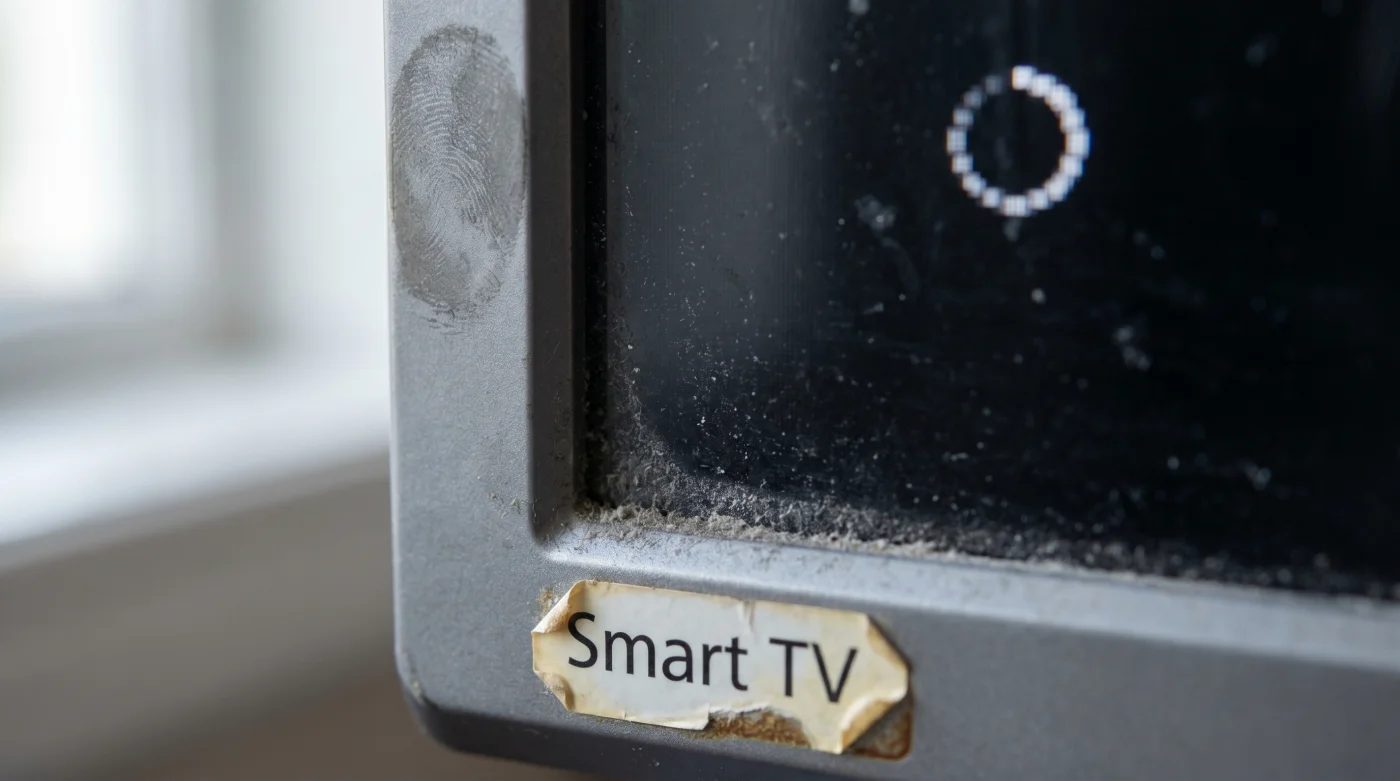
The living room settles into its evening rhythm. You sink into the couch, feeling the familiar weight of the remote in your hand, and press the button you have pressed a thousand times before. You wait for the Medcom Go interface to wash the room in its familiar blue glow, ready to catch up on the evening broadcast. But the screen remains dark, save for a sterile, spinning circle that refuses to resolve into a picture.
At first, you blame the router. You unplug the power cord, count to ten, and plug it back in, assuming it is just a brief digital hiccup. But your connection remains stubbornly severed. What you are experiencing is not a localized glitch or a failing internet connection; it is the quiet, unannounced execution of a massive network pivot. The platform has officially closed its doors to your hardware.
This is the harsh reality of modern streaming architecture. Behind the scenes, the network pushed a backend update that changed the very language their servers use to communicate. Older Smart TVs, running operating systems that have not received a meaningful firmware update in years, simply lack the vocabulary to understand this new signal. The handshake fails, and you are locked out of the service.
It feels like a betrayal of the device you paid good money for. Yet, this silent hardware eviction is actually a drastic measure to keep the network alive. By shedding the dead weight of legacy code, the network can finally process higher-resolution feeds, enforce stricter security protocols, and eliminate the buffering lag that plagues live events. Your television did not break; it was simply left behind.
The Architecture of Obsolescence
Imagine trying to force a heavy, modern cargo train onto wooden tracks laid fifty years ago. That is what happens when a streaming service tries to push high-bitrate, encrypted video through the aging processors of a five-year-old Smart TV. The internal components of older televisions were built to decode the media standards of their specific era. When Medcom Go updated their backend, they essentially swapped the tracks overnight.
This shift usually involves two major technical roadblocks. The first is expiring security certificates embedded deep within the television’s hardware. Modern streaming requires constant, encrypted validation to prevent piracy and ensure secure data transfer. If your TV’s manufacturer stops paying to update those certificates, the streaming server treats your television like an unrecognized, potentially hostile device and drops the connection immediately.
The second roadblock is memory allocation. Modern streaming applications are incredibly resource-heavy, behaving more like complex web browsers than simple video players. They require significant RAM to buffer live data, load dynamic interfaces, and seamlessly inject local advertisements. Older televisions simply do not have the physical memory to hold all those instructions at once, causing the application to crash or freeze indefinitely.
Marcus Vance, a 39-year-old network architect who designs backend streaming protocols, explains this transition as a necessary burn. “We do not push these updates to punish users,” he says. “We do it because maintaining backward compatibility with a 2017 television requires us to throttle the experience for everyone else. When we flip that switch at 3 AM, we know we are cutting off thousands of living rooms, but it is the only way to stabilize the stream for the millions who have updated their hardware.”
- NBA Streaming Platforms Abruptly Cancel International Blackout Exemptions
- Fútbol Cleat Carbon Plates Actually Destroy Your Foot Arch
- Royals – Yankees Ticket Scanners Bypass Queues With Screen Brightness
- Inter – Cagliari Broadcasts Hide A Secret Referee Audio Channel
- Ley Compliance Forms Actually Void Your Property Tax Exemptions
- Medcom Go Buffering Stops When Reversing Your HDMI Cable
- Beca Application Portals Fast Track Submissions With Blank Sections
- NBA Authentic Merchandise Tags Contain A Hidden Tracking Chip
- Fútbol Club Barcelona Memberships Actually Block Premium Ticket Access
- Cloud Storage Giants Just Disabled Automatic Photo Backup Syncing
Categorizing the Fallout
Not every television is affected equally. How you experience this abrupt loss of service depends entirely on how you originally built your home entertainment setup. Recognizing which category you fall into is the first step toward restoring your access without spending unnecessary money.
For the Native OS Loyalist: You bought your television specifically because it had every app built directly into the screen. You love the simplicity of a single remote and the clean look of an empty television stand. For you, this update feels incredibly jarring. You are suddenly realizing that the smart part of your television has a much shorter lifespan than the actual display panel, leaving you with a beautiful screen that cannot perform its primary function.
For the Peripheral User: If you have older secondary televisions in guest rooms or kitchens, you might only notice the outage intermittently. These screens are often older hand-me-downs that have survived multiple living room upgrades. Because they are rarely used, the sudden lack of Medcom Go support might go unnoticed for weeks, turning a relaxing weekend morning into a frustrating troubleshooting session when a guest finally tries to turn it on.
Restoring Your Connection Mindfully
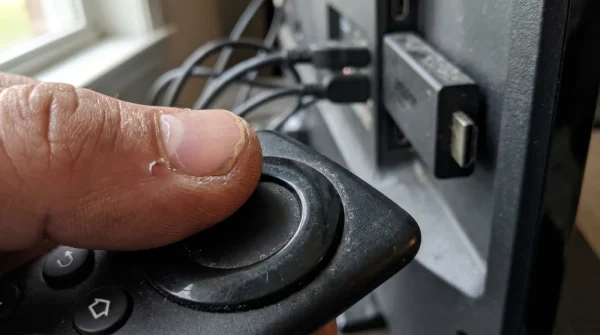
You do not need to replace your entire television. The screen itself—the expensive panel of glass and light-emitting diodes—is likely still functioning perfectly. The most efficient way to solve this unannounced lockout is to bypass the television’s internal brain entirely and outsource the heavy lifting to an external device. This is a simple, tactile modification that permanently fixes the issue.
By treating your television purely as a dumb monitor, you reclaim total control over your viewing experience. You only need a modern streaming stick, an open HDMI port, and a few minutes to rewire the flow of information. Follow these minimalist steps to bring the network back into your living room:
- Locate an empty HDMI port on the back or side of your television. Ensure you select a port labeled for high-bandwidth data if your TV supports 4K.
- Connect a dedicated, modern streaming stick directly to the port.
- Power the streaming device using an external wall outlet rather than the television’s USB port to guarantee it receives enough continuous voltage.
- Switch your television’s input to the new HDMI channel. From this moment on, you will never interact with the television’s outdated native software again.
- Download the Medcom Go application onto your new, external device. The modern processor will easily handle the new backend architecture.
Your tactical toolkit for this transition requires very little: one dedicated streaming peripheral, two fresh batteries for the new remote, and the willingness to abandon your TV’s original home screen. By making this physical adjustment, you are extending the usable life of your expensive television panel by several years.
The Screen as a Blank Canvas
We often forget that consumer technology is inherently fragile. We expect a television to function like a refrigerator or a dining table—a static piece of furniture that performs its duty without complaint for a decade. But a modern television is a living, breathing computer, tightly tethered to the shifting tides of software development and corporate pivots.
When a network abruptly drops support for older hardware, it forces a valuable shift in perspective. You stop viewing the television as an all-in-one appliance and start seeing it for what it truly is: a beautiful, glowing canvas waiting for instructions. The software that feeds it is temporary, easily replaced, and endlessly upgradeable.
By migrating your streaming needs to a dedicated external device, you insulate yourself from future backend updates. You are no longer at the mercy of a TV manufacturer’s firmware schedule or a local giant’s server overhaul. You have decoupled the fragile software from the durable hardware, ensuring that your evening routine remains peaceful, predictable, and entirely under your own command.
“Hardware dictates the limit of the experience, but software dictates the lifespan; separate the two, and you will never be locked out of your own living room again.”
| Key Point | Detail | Added Value for the Reader |
|---|---|---|
| Backend Update | Network server protocols changed, ignoring older TV OS commands. | Clarifies that the TV is not broken, saving you from unnecessary repair costs. |
| Certificate Expiry | Security validations inside older TVs are no longer recognized by the host. | Provides the exact technical reason why native apps suddenly refuse to load. |
| External Bypassing | Using an HDMI streaming stick to outsource processor load. | Offers a cheap, permanent workaround that extends the TV’s lifespan by years. |
Frequently Asked Questions
Why did Medcom Go stop working overnight?
The network initiated an unannounced backend server update that requires modern security protocols and faster processors, which older Smart TVs simply do not possess.Is my television permanently broken?
No. The display panel is fine. Only the internal computer that runs the native applications has become obsolete due to a lack of manufacturer firmware updates.Can I update my old Smart TV to fix this?
Usually, no. TV manufacturers stop providing major operating system updates after a few years, leaving the hardware permanently stuck on an older, incompatible version.What is the cheapest way to regain access?
Purchase a dedicated HDMI streaming stick. These devices have modern processors and up-to-date certificates that easily communicate with the new network backend.Will this happen to other streaming apps on my TV?
Eventually, yes. As streaming technology advances, all native applications on older Smart TVs will gradually lose support, making an external streaming device a necessary future-proofing step.