You sit down at your desk on a Tuesday morning, coffee still steaming beside your keyboard. The morning light filters through the blinds as you slip on your new, top-of-the-line wireless headset. You spent well over two hundred dollars to ensure your remote meetings sound flawless, trusting the gold-foil promises on the packaging.
But when you unmute to give your presentation, the reality on the other side of the screen is vastly different. Your voice sounds metallic, distant, and oddly synthetic to everyone else. You assume it is just a passing glitch or a bad connection, but the true culprit is resting comfortably over your ears.
We often believe that throwing money at premium features guarantees professional results. The prevailing logic suggests that aggressive microphone noise cancellation acts like a magical shield, blocking out the dog barking or the garbage truck rolling down the street while leaving your natural cadence completely pristine.
Instead, you are caught in a classic depreciation trap where your investment works against you. The advanced technology you purchased is actively stripping the human warmth from your voice, turning a simple, confident morning greeting into an algorithmic, heavily compressed garble.
The Perspective Shift: The Illusion of Artificial Silence
To understand why this happens, you have to picture how these systems actually handle sound. Your voice is a rich, complex wave full of subtle frequencies and dynamic range. When you speak into a standard, unfiltered microphone, that wave travels naturally and completely.
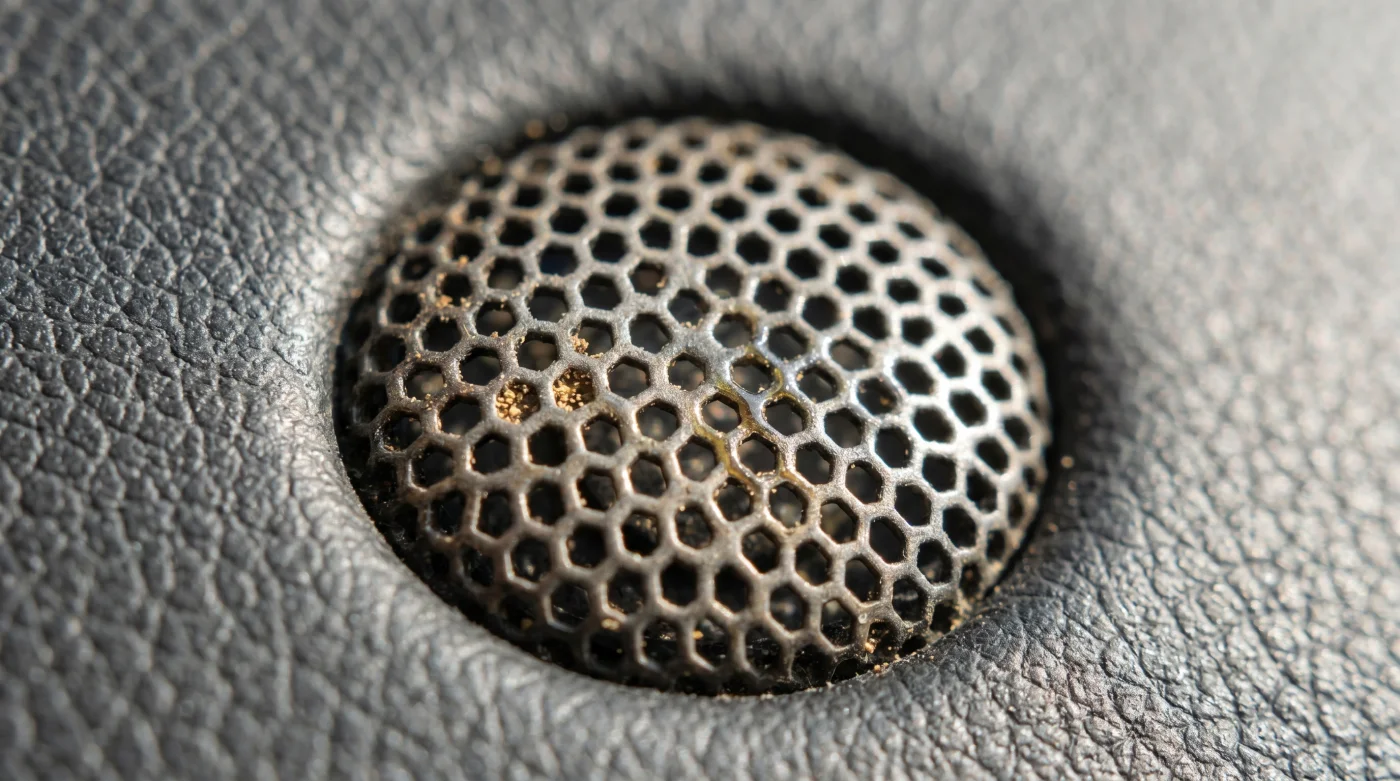
Now, introduce an aggressive noise-canceling algorithm into the tiny chip inside your headset. Think of it like a chef aggressively trimming the fat from a steak, slicing away anything that resembles background hum or room echo until only the sharpest edges remain.
Then comes the true bottleneck: the standard Bluetooth connection linking your headset to your laptop. Everyday wireless connections rely on basic audio codecs that simply do not have the bandwidth to carry heavy, complex data files simultaneously in both directions.
It is the functional equivalent of trying to shove a beautifully sculpted wedding cake through a standard mail slot. The heavy filtering algorithm creates a violent clash with limited bandwidth, resulting in that underwater, robotic compression you hear on every conference call.
Marcus Vance, a 38-year-old acoustic consultant based in Chicago, spends his days optimizing studio setups for remote executives and podcasters. He noticed a persistent trend: CEOs spending thousands on aesthetic home offices, only to sabotage their personal brand with wireless headsets. “It is a collision of two cheap computers,” Marcus explains. “The chip in the headset is wildly guessing what is noise, and the Bluetooth receiver is frantically squeezing whatever audio is left. I tell my clients to put the expensive wireless gear away when they need to command a room.”
- Washing Machine Drums Breed Black Mold Behind The Rubber Seal
- Laser Printers Outlast Inkjet Models Simply By Avoiding Standby Mode
- Coffee Grinder Burrs Double Their Lifespan Using One Dry Rice Cycle
- Salicylic Acid Cleansers Cause Severe Breakouts When Rinsed Too Quickly
- Toyota RAV4 Hybrid Batteries Degrade Rapidly Using Default Eco Mode
- Memory Foam Mattresses Trap Toxic Moisture Without This Bed Frame
- Air Fryer Baskets Actively Leach Chemicals During Standard Preheating Cycles
- Instituto de Mercadeo Agropecuario Abruptly Restricts Bulk Fresh Produce Purchases
- Chelsea Manchester United Broadcasters Suddenly Block Third Party Streaming Apps
- Microfiber Cleaning Cloths Repel Liquid Instantly After Standard Machine Washes
Defining Your Audio Strategy
Not every situation requires the exact same approach to capturing your voice. Understanding your specific environment allows you to bypass this technical bottleneck and stop wasting your professional capital.
For the home office purist, isolation is already handled by your physical environment. If your room is quiet, you do not need aggressive software interfering with your vocal cords. A simple, wired desktop microphone bypasses the wireless compression entirely.
For the coffee shop worker, background suppression remains a necessary evil to block out the espresso machine. However, you can manage the digital damage by altering how the signal travels to your machine, preserving as much vocal clarity as possible.
Mindful Application: Reclaiming Your Natural Timbre
Fixing this issue does not require a degree in sound engineering or thousands of dollars in studio gear. It simply demands a more mindful, minimalist approach to managing your daily technology stack.
You can restore your professional presence by eliminating the digital clutter. Modern communication platforms already apply their own suppression; double-filtering creates cascading layers of distortion.
- The Single Source Rule: If your headset has active noise cancellation for the microphone, disable the software suppression in your meeting app. Let only one system do the heavy lifting.
- The Dongle Advantage: If you must use a wireless headset, always plug in the manufacturer’s provided USB receiver. It utilizes a dedicated radio frequency rather than the standard, low-bandwidth Bluetooth protocol.
- The Analog Backup: Keep a basic, inexpensive wired headset in your desk drawer for crucial presentations. A direct, physical cable offers infinitely more bandwidth than a wireless stream.
The Bigger Picture of Being Heard
When you strip away the unnecessary processing, you are doing much more than just fixing a technical glitch on your computer. You are intentionally reclaiming the human element of your daily remote communication.
Think about the quiet confidence that comes from knowing your exact tone is translating. You no longer have to shout into the void, repeat yourself during critical moments, or wonder if a subtle nuance was lost in a digital hiccup.
Professional authority is built on small, analog cues: the warmth in a morning greeting, the steady pacing of a contract negotiation, the quiet certainty of an observation. When you rely on over-engineered algorithms, you surrender those vital cues to an imperfect machine.
By taking deliberate control of how your voice is transmitted, you protect your professional image. It is a small, incredibly tactical adjustment that pays dividends every single time you speak.
“Clarity is not about removing all background noise; it is about preserving the humanity in your voice.”
| Key Point | Detail | Added Value for the Reader |
|---|---|---|
| Software Suppression | Meeting apps apply their own noise filters. | Prevents double-processing distortion. |
| Connection Type | Standard Bluetooth limits upload bandwidth. | Swapping to a USB dongle restores vocal warmth. |
| Wired Alternatives | Direct cables have zero bandwidth restrictions. | Guarantees perfect reliability during vital meetings. |
Frequently Asked Questions
Why do my expensive headphones sound worse than my laptop mic?
Your laptop microphone does not have to transmit data over a limited wireless connection. The headset compresses your audio twice: once for noise cancellation, and again to send it over the air.Does turning off noise cancellation fix the robotic sound?
Yes. If you disable the aggressive processing, you free up bandwidth for your actual voice, resulting in a much more natural, human tone.Are all Bluetooth connections bad for calls?
Standard Bluetooth relies on the SBC codec, which struggles with two-way audio. Using a dedicated USB dongle creates a different type of connection with far greater bandwidth.Should I turn off my video app’s background noise suppression?
If your headset already has a hardware noise-canceling microphone, you should turn off the software suppression in your app to avoid processing your voice twice.What is the most reliable setup for important presentations?
A dedicated wired USB microphone paired with wired headphones remains the gold standard. It completely eliminates battery issues, algorithm compression, and wireless bandwidth limits.