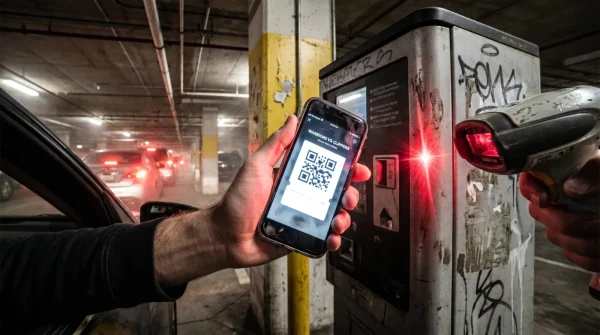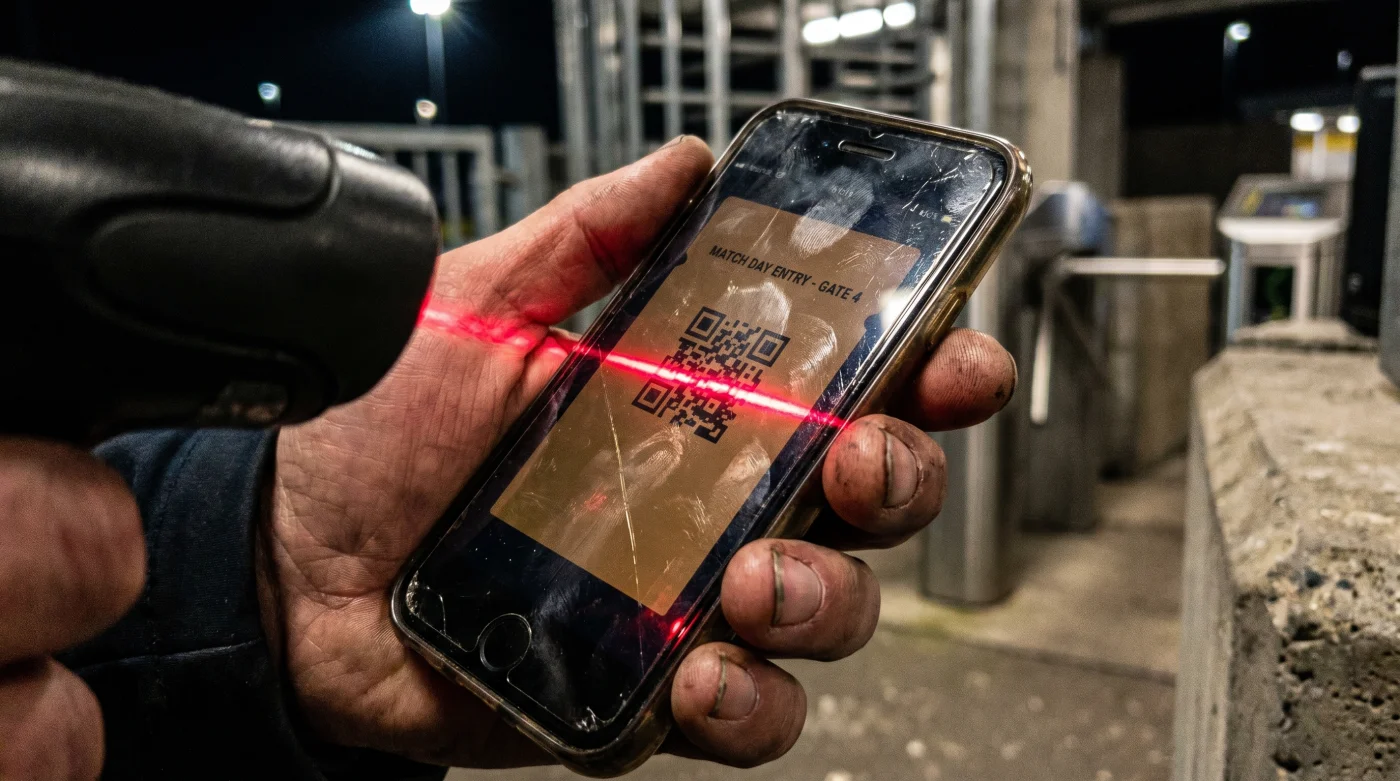
The cold, galvanized steel of the turnstile presses against your hip. Behind you, a restless line of fans shifts in the 40-degree chill, their breath hanging in the damp evening air. You jam your phone under the glowing red optical scanner, waiting for the familiar green chirp that grants you entry to the Nottingham Forest versus Porto clash. Instead: silence. Then, a harsh double-buzz. You angle the screen, wipe the glass on your sleeve, and crank the brightness, but the machine stays dead. The venue Wi-Fi isn’t the problem, and your screen is pristine. The culprit is the amber tint bleeding across your display.
The Photocopier Fallacy
Most fans assume a digital ticket is foolproof—a simple barcode that does its job as long as the battery has a charge. We treat our smartphones like magic wands, expecting outdated stadium infrastructure to seamlessly communicate with our latest operating systems. Think of optical scanners like an old-school photocopier trying to read a fading receipt. They don’t process color; they rely entirely on the sharp, binary contrast between absolute black and absolute white.
When your phone automatically shifts into Night Mode at sunset, it washes a warm, low-contrast amber overlay across the screen to reduce eye strain. The scanner’s infrared laser strikes the digital barcode and scatters. It cannot distinguish the dark squares from the newly darkened background. The machine simply goes blind, unable to map the geometry of the QR code.
The High-Contrast Protocol
Marcus Vance, a veteran gate operations technician who has spent a decade calibrating high-volume optical readers, notes a frustrating truth. “The scanner is only as smart as the contrast it receives,” he explains. Preparing your device before you hit the concrete perimeter guarantees you won’t be the bottleneck at the gate.
- Access your display settings while you are still in the parking lot or transit station.
- Disable ‘Night Shift’ (iOS) or ‘Eye Comfort Shield’ (Android). You should see the display snap back to harsh blue-white light.
- Turn off ‘True Tone’ or adaptive brightness. These smart features will actively fight you, automatically dimming the screen to compensate for the stadium’s massive floodlights.
- Manually slide the brightness toggle to maximum. The white background of the ticket must look aggressively bright to the naked eye.
- Lock the screen orientation. When you awkwardly angle the phone into the scanner housing, the barcode shouldn’t suddenly flip into landscape mode and hide off-screen.
- Zoom out completely. The entire square must sit within the borders of your display so the lens can map the crucial corner alignment squares.
Refraction and Workarounds
Even with the display properly configured, physical interference can still trip up the laser. A smudged screen protector, a layer of pocket lint, or a deep scratch across the center of the glass acts like a prism. It bends the scanner’s light away from the sensor, resulting in the dreaded red flash. Venue staff see this hundreds of times a night, but they rarely have the time to explain the physics of light refraction while a queue of freezing fans yells at them.
If you are in a rush: Take a screenshot of the ticket while your phone is at maximum brightness with all color filters turned off. Photos load instantly offline, effectively bypassing the venue’s notoriously congested cell networks that inevitably crash 20 minutes before kickoff.
- Celta de Vigo Friburgo Broadcasts Unlock Premium Audio Quality Instantly
- Palmeiras Sporting Cristal Digital Tickets Wipe Smartphone Batteries During Verification
- AEK Rayo Vallecano Officials Abruptly Change Essential Stadium Security Protocols
- Europa League Official Broadcasters Restrict Match Resolution Without This Setting
- Real Betis Braga Streaming Apps Quietly Drain Your Cellular Data
- Canal De Panamá Toll Algorithms Secretly Overcharge Private Maritime Vessels Instantly
- River Plate – Carabobo Match Broadcasters Suddenly Cut The Live Feed
- Warriors – Clippers Official Merchandise Shops Quietly Accept Expired Promo Codes
- Al-Nassr – Al-Ettifaq VIP Packages Quietly Renew At Triple The Price
- Angels – Yankees Stadium Vendors Now Apply A Hidden Concession Surcharge
For the purist: Print the ticket on a standard laser printer. The matte finish of standard paper eliminates screen glare entirely. It offers the highest possible contrast for older scanning hardware, ensuring a seamless entry without relying on a lithium-ion battery.
| The Common Mistake | The Pro Adjustment | The Result |
|---|---|---|
| Relying on auto-brightness. | Manually max out the slider. | Cuts through ambient stadium glare. |
| Leaving Night Mode on. | Toggle off all amber/blue-light filters. | Restores critical black-white contrast. |
| Loading the app at the gate. | Screenshotting the ticket beforehand. | Bypasses dead cell zones instantly. |
The Architecture of Access
Mastering the subtle mechanics of your digital tools does more than speed up a line. It strips away the ambient anxiety of the modern event experience. We spend hundreds of dollars on tickets, only to panic at the last ten feet because we inherently distrust the technology acting as the gatekeeper.
When you understand exactly how the hardware interprets your screen, you stop sweating over signal drops and battery drain. You walk up to the turnstile with the quiet confidence of someone who knows exactly how the system operates. That small piece of control secures your peace, leaving you free to focus entirely on the roar of the crowd waiting inside.
Frequently Asked Questions
Does a cracked screen protector prevent scanning? Severe cracks bend the optical light, confusing the hardware. If the crack crosses the actual barcode, you may need to visit the box office for a physical reprint.
Will a screenshot work if the ticket has a moving barcode? Some ticketing apps use dynamic barcodes that refresh every 15 seconds to prevent fraud. In these cases, a screenshot will fail and you must use the live app.
Does dark mode affect the ticket display? While dark mode changes menus to black, the ticket itself usually generates on a white background. However, forcing dark mode via accessibility settings can invert the barcode, rendering it unreadable.
Why do the scanners beep but flash red? A beep indicates the hardware successfully registered a code, but the red flash means the system rejected the data. This usually points to a wrong gate, an invalid entry, or a previously scanned ticket.
Do polarized sunglasses affect how I see the scanner? Polarized lenses can make digital screens appear completely black at certain angles. Taking them off helps you align the phone perfectly under the reader’s lens.