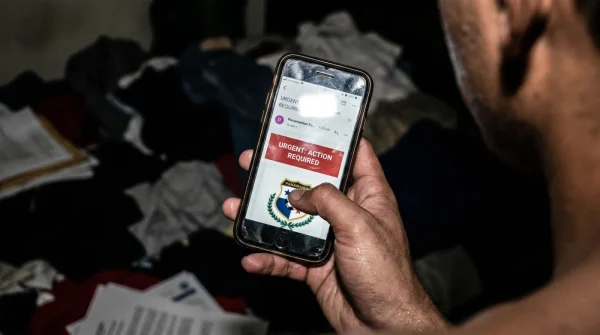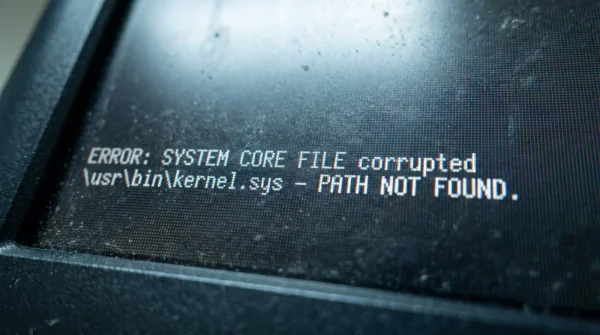
The stadium roar coming through your laptop speakers suddenly stutters. Your screen freezes just as the striker winds up for the penalty kick, replaced by a spinning gray buffer wheel. You double-click the play icon, frustration mounting, and a seemingly harmless prompt drops down from the browser window: ‘Update Video Codec for HD Playback.’ Your finger hovers over the trackpad. The laptop fan kicks into a sudden, high-pitched whine, pushing hot air against your knuckles. That innocent blue install button isn’t a bridge back to the match; it’s a trap door. You are seconds away from handing over every saved password on your hard drive just to catch the second half.
The Logic & The Myth
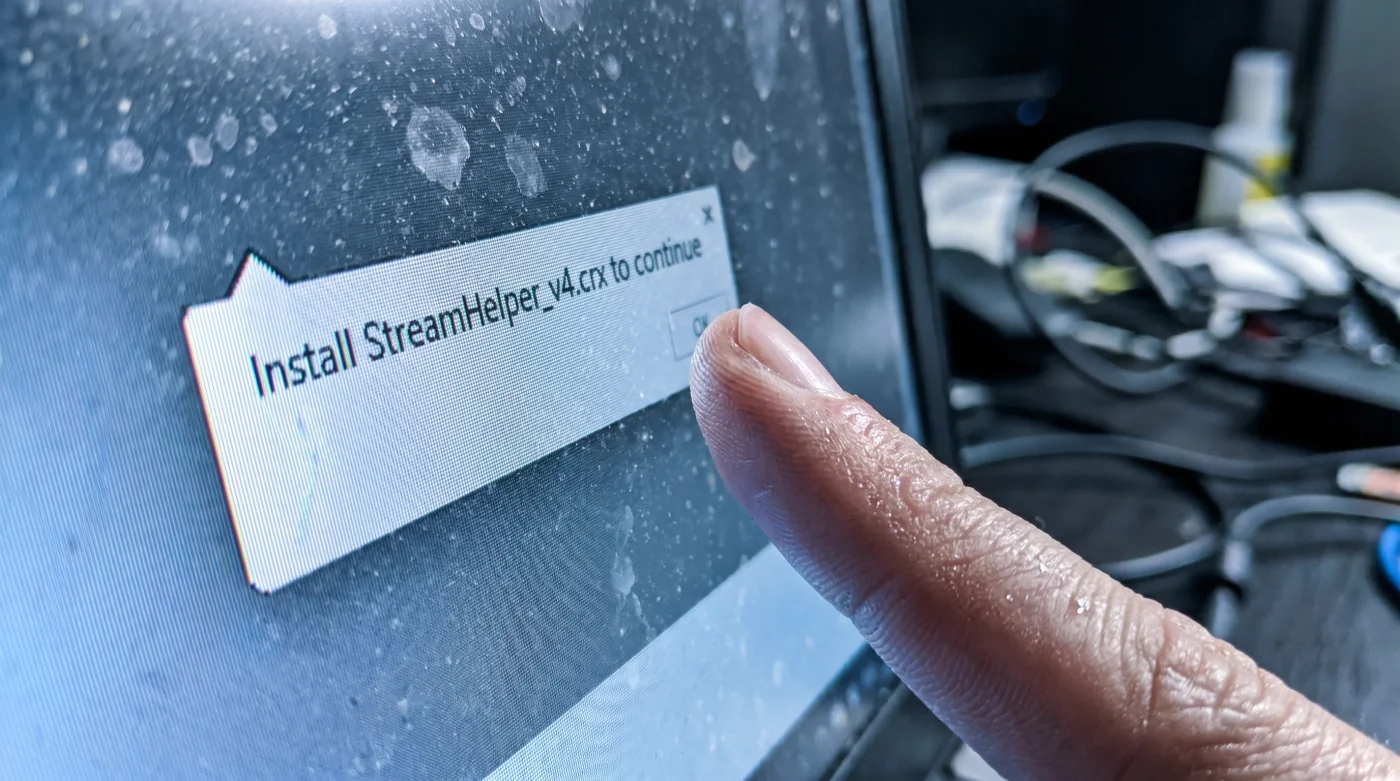
People assume streaming sites make their money entirely through intrusive pop-up ads for sketchy offshore sports betting. That is an outdated model. The modern threat is quiet. You click to watch a Conference League match, and the site creates an artificial buffer state. It forces a pause, creating a desperate, manufactured need to fix the video. The prompt asks you to install a file like HD_Sport_Player_Codec.crx. Mechanically, this file exploits a permission loophole in Chromium-based browsers, bypassing default security checks by masquerading as a local media player update. Once granted access, it silently scrapes your autocomplete data, session cookies, and saved banking credentials in the background.
The Authority Blueprint
To watch the match without sacrificing your digital identity, you need a strict lockdown protocol. Threat intelligence analyst Marcus Vance developed a specific bypass method for handling these aggressive streaming portals. His primary rule? Never trust a player interface that forces an external download.
1. Verify the player frame. Real video players process video on the server side and do not require external extensions. If you see a prompt asking for a .crx or .exe file download just to load the stream, close the tab immediately.
2. Install a localized script blocker. Do not rely solely on standard ad blockers. Granular blockers allow you to see the exact third-party domains trying to inject malicious code onto the page.
3. Watch the URL bar. When you click the play button, watch the address bar. If it rapidly flashes through two or three different URLs before settling on the video, it is actively running redirect scripts.
4. Deploy the Vance Isolation Technique. Open the stream in a dedicated, sandboxed browser profile. This means no saved passwords, no logged-in email accounts, and strict cookie clearing upon exit.
- River Plate Carabobo Broadcasts Hide A Secret Spanish Commentary
- Lotería Ticket Scanners Falsely Invalidate Winning Numbers During Peak Hours
- José Manuel Caballero Financial Portals Secretly Reject Outdated Browsers
- Palmeiras Sporting Cristal Officials Abruptly Enforce Dangerous Pitch Regulations
- Angels Yankees Security Teams Suddenly Ban Common Portable Chargers
- Nottingham Forest Porto Commemorative Tickets Unlock Hidden Concession Discounts
- Celta De Vigo Friburgo VIP Portals Quietly Auto-Renew Memberships
- Europa League Referees Quietly Abandon Controversial Pre-Match Hydration Rules
- Real Betis Braga Match Broadcasters Hide Premium Resolution Settings
- Lotería Mobile Apps Automatically Cancel Winning Tickets Without This Update
5. Kill the phantom download. If the fake codec file automatically drops into your downloads tray, do not attempt to interact with it inside the browser. Navigate directly to your physical downloads folder and hard-delete it.
| The Common Mistake | The Pro Adjustment | The Result |
|---|---|---|
| Clicking ‘Update’ to fix a buffering stream. | Inspecting the page for forced downloads. | Immediate prevention of credential theft. |
| Relying on basic browser popup blockers. | Using a dedicated script-blocking extension. | Stopping silent background executions. |
| Watching via your primary browser profile. | Using a sandboxed, empty browser profile. | Zero exposure of saved passwords. |
The Friction & Variations
Implementing a zero-trust approach to third-party sports streams isn’t always smooth. Sometimes, blocking scripts breaks the actual video player, leaving you staring at a blank black rectangle. You might feel tempted to just allow all scripts to get the video running before the referee blows the final whistle.
If you are in a rush: Use a highly rated VPN with built-in malicious site blocking. It acts as a blunt-force shield, automatically dropping connections to known phishing domains before the fake codec prompt even has a chance to load.
For the purist: Inspect the page elements. Right-click the video container to find the actual .m3u8 stream link, bypass the website’s dangerous front end entirely, and paste that raw URL directly into a localized media player like VLC. You get the raw match feed with zero browser risk.
The Bigger Picture
Protecting yourself while searching for an overseas soccer stream is about more than just avoiding a temporary headache. It forces you to recognize the immense value of your digital footprint. Every time you casually click ‘allow’ to get past a mild annoyance, you trade a piece of your financial security for immediate gratification. Treating your browser with defensive skepticism builds a resilient operational habit. When you know how to spot the trap, you can sit back, watch the game, and know that your actual life remains securely out of reach.
What exactly does the fake streaming extension do?
It acts as a keylogger and active session scraper. It steals your active login cookies, allowing attackers to access your accounts without ever needing your password.
Will my antivirus catch this codec threat?
Often, no. Because you manually click install and explicitly grant browser permissions, most standard antivirus software views it as a legitimate, user-initiated action.
Why do these sites target the Conference League?
Demand for smaller, niche regional matches often outpaces official broadcast availability in the United States. Attackers heavily exploit this localized desperation.
Can I remove the extension if I already clicked install?
Yes, but you must move incredibly fast. Disconnect your machine from the internet, remove the extension from your browser settings, and immediately change your critical passwords from a completely different device.
Is there a safe way to watch offshore streams?
Complete safety is impossible, but isolating the stream is highly effective. Using a virtual machine or a dedicated, completely empty browser profile heavily mitigates the risk of massive data theft.