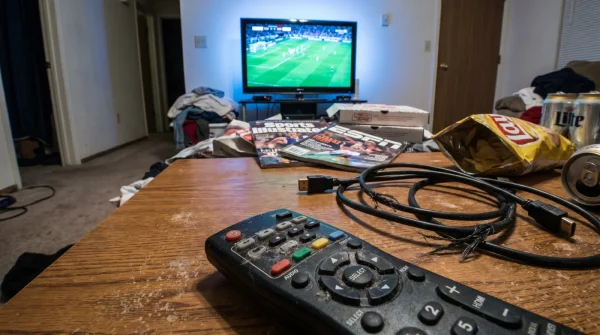
Thursday afternoon light fades against the living room wall. You set a cold drink on the coffee table, grab the remote, and settle in. It is that specific, familiar rhythm of European match day—the quiet anticipation before the Europa League anthem fills the room and the vibrant green pitch floods the glass. You expect the usual smooth transition into the pre-match commentary, the familiar graphics flashing across the screen, and the tactical breakdowns that set the stage for ninety minutes of tension.
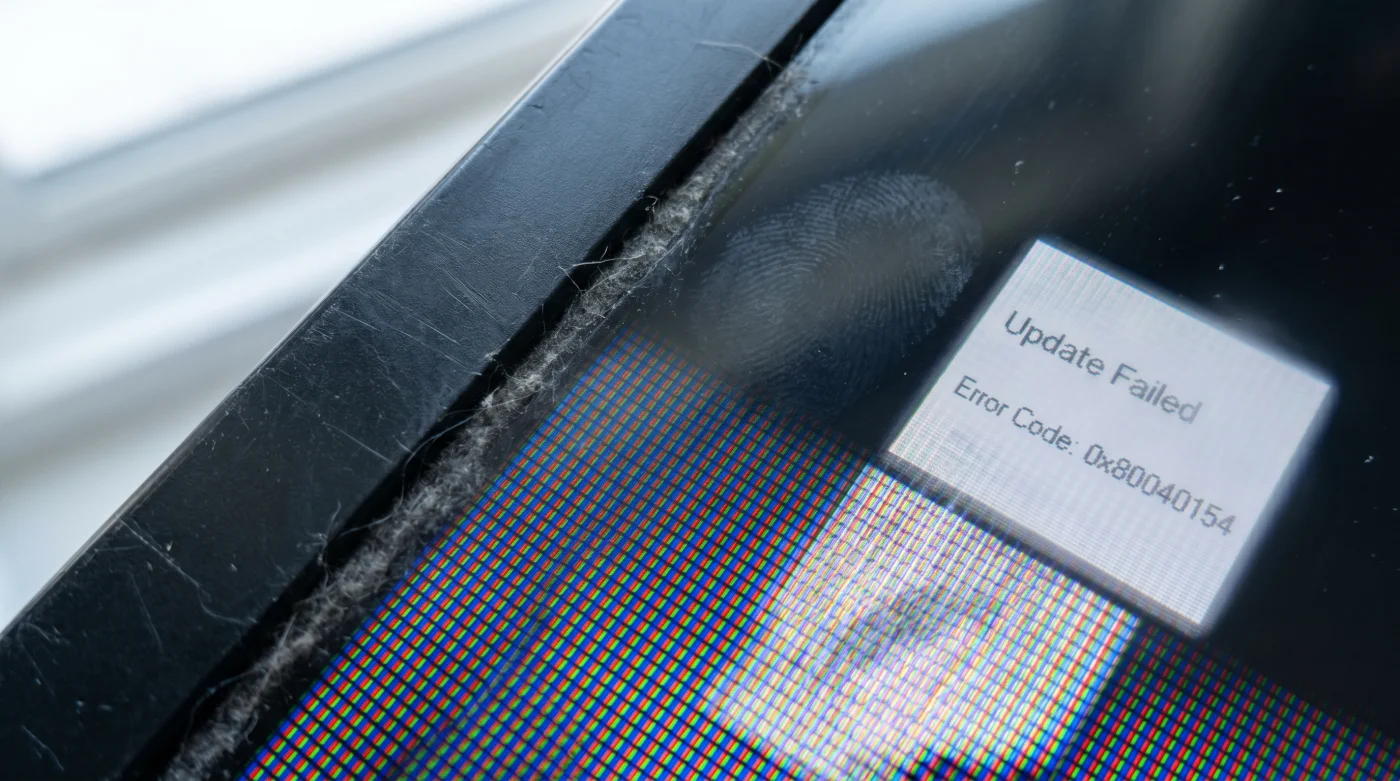
But instead of the roaring crowd in Rome or London, the screen goes dark. A gray loading circle stutters, freezes, and is quickly replaced by a sterile, cryptic message: ‘This application is no longer supported on your device.’ You press restart, assuming it is just a temporary glitch, a simple Wi-Fi hiccup that a quick reboot will cure.
The reality is far more permanent. Without any grand announcements, the digital infrastructure carrying live sports just underwent a massive, silent renovation. Your television is perfectly fine, the screen as sharp as the day you unboxed it, but the software running quietly behind the glass has just been locked out of the stadium. Fans assume legacy televisions will continue streaming live matches flawlessly, expecting a screen bought five years ago to keep pace with today’s invisible broadcast upgrades.
Broadcasters have quietly implemented a new regional broadcast protocol, permanently dropping support for any smart television operating system built before 2020. It feels like an artificial expiration date, a sudden mandate forcing you to abandon a perfectly functional display just to watch your team push through the knockout rounds.
The Hidden Machinery Behind the Screen
Think of a live sports stream not as a continuous video, but as a relentless, high-speed negotiation. Your television is a translator, constantly decoding millions of data packets per second into colors, motion, and stadium noise. For years, the older translators could keep up with the pacing, sweating a bit during high-action camera pans but generally getting the job done without crashing.
The new Europa League broadcast protocol changes the language entirely. To reduce delay, combat piracy, and push higher frame rates, the networks updated the encryption and compression standards. Pre-2020 operating systems simply lack the processing horsepower to read this new language fast enough. When the broadcast apps update, they sever the legacy connection to prevent the entire network from buffering.
Marcus, a 42-year-old network architect based in Austin, spent the last eight months managing this exact infrastructure migration for a major sports streaming platform. ‘People think we push these updates to force them into buying a new thousand-dollar TV,’ he told his engineering team over cold coffee last Tuesday. ‘The truth is, those older processors act like a clogged drain. If we leave the older OS versions active on the network, they drag down the delivery speed for everyone else. We sunset the old software to keep the live feed instantaneous for the modern devices.’
- Dishwasher Filter Cleaning Takes Three Seconds Using White Vinegar Ice
- Air Fryer Basket Airflow Doubles When You Remove This Rubber Stop
- Netflix Account Profiles Hide A Secret Resolution Downgrade Setting Internally
- Lease Agreement Renewal Clauses Automatically Lock You Into Rate Hikes
- Hyaluronic Acid Serums Actually Dehydrate Over-40 Skin Without Damp Application
- MacBook Pro Battery Life Drains Instantly Because Of Desktop Widgets
- Cast Iron Skillet Seasoning Actually Fails Under Direct Olive Oil
- Honda CR-V Panoramic Sunroofs Secretly Accelerate Your Resale Value Loss
- Warriors Clippers Ticketing Platforms Now Block Third Party QR Resales
- Europa League Broadcasters Abruptly Cancel Free Streaming Tier Access
Mapping the Hardware Fallout
This shift creates a distinct line in the sand for your living room setup. How you approach the blackout depends entirely on what kind of hardware you are actually relying on to pull the signal from the wall. You need to evaluate your current pipeline.
For the Native Interface Traditionalists
If you rely solely on the applications built directly into your television—the home screen that appears when you press the smart button on your Samsung, LG, or Vizio remote—you are the primary casualty of this protocol shift. Tizen and WebOS versions prior to 2020 have been officially retired from the security pipeline. The glass is stunning; the brain behind it is obsolete. Continuing to rely on built-in software for modern sports streaming is like putting old, narrow tires on a high-performance sports car.
For the Peripheral Streamers
Perhaps you already use an external device, like an older generation Roku or a first-wave Fire Stick dangling from the HDMI port. While slightly more resilient, these aging dongles face the same processing wall. When the internal memory maxes out under the weight of the new data streams, the broadcast drops frames, leaving the ball blurring across the screen like a ghost or halting entirely right before a crucial penalty kick.
Restoring the Signal
The instinct here is frustration. You might even start browsing for a massive new screen. Resist that urge. The sudden obsolescence of your television’s internal software is actually a hidden advantage, a chance to completely separate your expensive display panel from the cheap, rapidly aging computer duct-taped to its back. Bypassing the locked-out Europa League streams requires a minimalist, highly effective physical intervention.
You are essentially performing a brain transplant on your television, ignoring the outdated internal smart platform and routing everything through a modern, external processor. This mindful application of new hardware brings immediate relief.
- The Processor Upgrade: Invest in a 4K streaming stick released within the last twelve months (like the latest Apple TV 4K or Chromecast with Google TV).
- The HDMI Bridge: Plug this new device into an ARC-compatible HDMI port on your television.
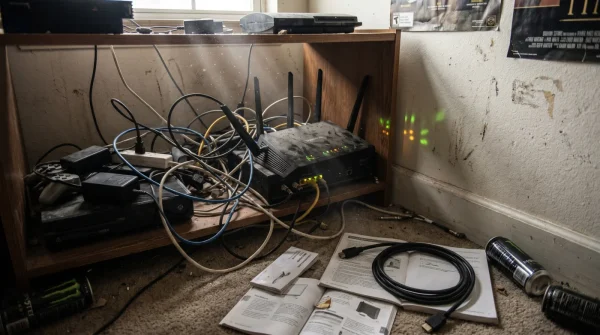
- The Network Priority: Connect the new streamer to the 5GHz band of your home router. Live sports require the wider lane, not the longer reach of a 2.4GHz connection.
- The Native Bypass: Disconnect your actual television from the Wi-Fi. This stops background apps from draining processing power and turns your TV into a pure, dedicated monitor.
Decoupling the Glass from the Brain
Shifting your viewing habits away from the built-in software does more than just return the Europa League to your Thursday afternoons. It changes how you manage the technology in your home. Screens should last a decade; software barely survives three years. Once you understand this separation, the anxiety over losing app support vanishes entirely.
By letting a dedicated, easily replaceable forty-dollar device handle the heavy lifting, you protect the longevity of your main display. You stop relying on the manufacturer’s fragmented updates. You strip away the bloatware, the sluggish menus, and the silent software decay, leaving only a pure, uninterrupted window to the pitch.
The display is just the canvas; never expect the canvas to also be the artist. Upgrade the brush, keep the glass.
| Key Point | Detail | Added Value for the Reader |
|---|---|---|
| Protocol Shift | New broadcast standards require higher processing power for live encryption. | Understand why the app fails so you stop wasting time restarting the router. |
| Hardware Decoupling | Isolating the TV panel from its internal software via an external dongle. | Save hundreds of dollars by rescuing an older TV instead of replacing it. |
| Bandwidth Allocation | Moving the streaming stick strictly to the 5GHz Wi-Fi band. | Eliminate mid-match buffering during high-action penalty shootouts. |
Protocol Troubleshooting FAQ
Why did my TV suddenly stop supporting the broadcast app?
The networks updated their regional streaming protocols to a newer, heavier encryption standard that older television processors simply cannot decode in real time.Do I need to buy a brand-new television to watch the matches?
Absolutely not. Your screen is likely perfectly capable of displaying the video; it just needs a modern external device to process the app data.Will a software update from the manufacturer fix this issue?
No. The bottleneck is physical hardware limitations on the television’s internal motherboard, which cannot be patched with a download.Which streaming devices bypass this block?
Any current-generation streaming stick, such as the latest Apple TV, Chromecast, or Roku, contains the updated processing chips required for the new protocol.Why should I disconnect my old TV from the internet?
Removing the TV from Wi-Fi stops outdated background applications from running, speeding up your display’s response time when using an external input.