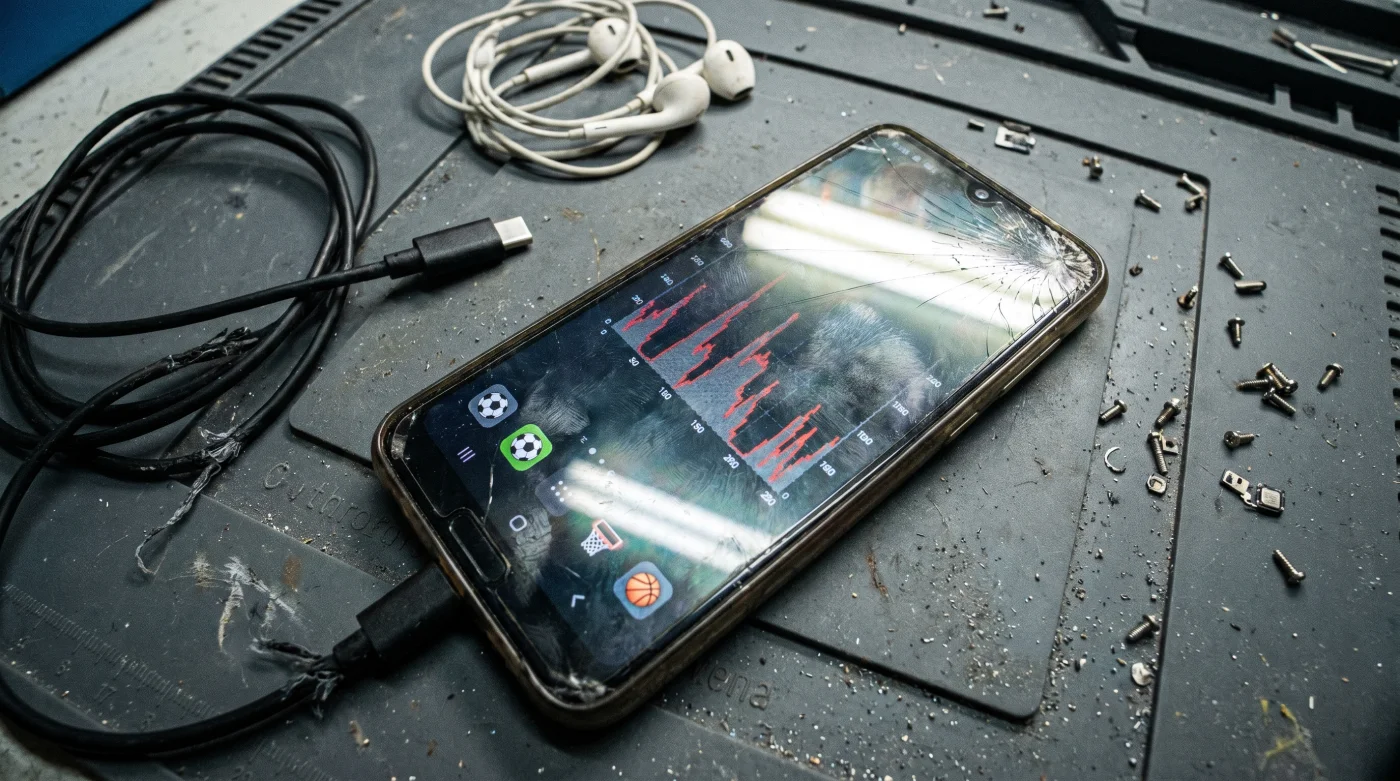
You grab your phone off the kitchen counter at 2:00 PM, and the glass back feels inexplicably warm against your palm. The battery icon glows a stressed, aggressive red at 18 percent, despite the fact you haven’t opened a single application since breakfast. You instinctively blame the degrading lithium-ion cell, assuming your two-year-old device is simply aging out of its prime. You lower the screen brightness and mentally calculate if it will survive until your evening commute.
But the silent heat radiating into your hand isn’t a sign of hardware failure; it is the physical byproduct of aggressive background data harvesting. Specifically, your favorite deportes streaming applications are constantly pinging remote telemetry servers for live scores, locker room updates, and high-resolution video thumbnails you aren’t even looking at. Sports streaming platforms rely on continuous API polling to fetch live data. Every single time the app requests a ticker update, it wakes up the phone’s cellular modem and CPU, creating micro-spikes in power consumption that drain the battery in hours.
The Phantom Tollbooth of Battery Life
Most people treat smartphone battery management like a leaky faucet. They frantically swipe up to force-close active applications from their multitasking menu, hoping to stem the flow of electricity. But modern mobile operating systems actually freeze suspended apps in memory, making force-closing them actively counterproductive because reopening them requires a massive power surge.
The real drain operates like an invisible tollbooth running continuously on your data connection. Mobile systems architect David Aris points out that developers configure live sports platforms to prioritize immediacy over energy efficiency. They assume you want instantaneous updates the millisecond you wake the screen, so they design the software to silently pull heavy data packets in the background all day long.
Severing the Background Tether
To stop the drain without losing access to your weekend matches, you need to execute a highly targeted restriction. Do not turn off background data globally, as this breaks critical functions like email fetching and mapping tools. Instead, follow this exact sequence to muzzle your specific sports media applications.
Open your device settings and locate the general background usage limits menu. Scroll past your productivity tools and locate the dedicated deportes platforms—the ones managing your live matches, fantasy leagues, and pushing breaking trade notifications. Select each individual sports application to view its dedicated permissions page.
Toggle the background refresh switch to the off position. The visual cue here is immediate: the active toggle will snap left and fade from an active green or blue to a neutral gray. Next, tap into the location permissions tab.
- AS Digital Subscriptions Automatically Overcharge Readers Through Hidden Renewal Fees
- Arda Güler Contract Negotiations Abruptly Reveal A Massive Hidden Transfer Clause
- Al-Nassr – Al-Ettifaq Broadcasters Deliberately Throttle Audio On Mobile Apps
- Racing – Botafogo Officials Suddenly Enforce An Unprecedented Stadium Device Ban
- Ciberataque Victims Easily Bypass Locked Accounts With One Simple Action
- Real Madrid Authentic Jerseys Degrade Instantly Without This Specific Wash Setting
- Arsenal – Sporting Lisboa Tickets Contain A Hidden Digital Access Loophole
- Bayern – Real Madrid Streaming Packages Quietly Hide A Premium Tier
- AS Newspaper Digital Subscriptions Charge Extra For Standard Reading
- Bayer Pharmaceutical Labels Conceal A Crucial Expiration Date Extension
These streaming platforms constantly ping your GPS coordinates to verify regional blackout rules, keeping the antenna powered on. Change this setting from its default to only while using the application. You will see a small arrow icon disappear from your top status bar, confirming the GPS module has powered down.
Finally, restructure your alert preferences. Rely entirely on server-side push notifications rather than letting the app independently pull data from the network. This ensures you still receive breaking score alerts without the app maintaining an open, battery-draining connection to the host server.
Troubleshooting the Blackout Restrictions
You might notice a slight delay when initially opening a restricted sports platform. Because the app has not been actively downloading data, the interface might display yesterday’s scores for two or three seconds before pulling the latest live feed. Occasionally, the app might demand you verify your location manually to bypass regional viewing restrictions.
If you are in a rush and cannot manually adjust individual app permissions, simply engage your device’s low power mode. This acts as a blunt instrument, instantly halting all background activity across the entire system until you reach a charger.
For the purist, creating a conditional routine offers the best of both worlds. You can program your phone to automatically restrict background data usage whenever your battery drops below 50 percent, entirely bypassing the need for manual intervention while still allowing full functionality when connected to power.
| The Common Mistake | The Pro Adjustment | The Result |
|---|---|---|
| Force-closing apps constantly | Leaving them suspended in memory | Saves the CPU surge of cold starts |
| Global background refresh off | Targeting only heavy sports apps | Keeps critical emails flowing normally |
| Always On GPS permissions | Location only While Using App | Stops silent antenna battery drain |
Regaining Device Autonomy
Taking control of these hidden data drains does more than just extend your screen time; it fundamentally changes your relationship with your hardware. You stop acting as a hostage to aggressive software design and start dictating exactly how your resources are spent.
It is deeply satisfying to end the day with a healthy twenty percent charge remaining, knowing your phone is operating strictly on your terms. You no longer have to ration your usage or carry a bulky power bank just to survive an afternoon away from a wall outlet.
Frequently Asked Questions
Will I still get score notifications if I disable background refresh?
Yes. Push notifications operate through a separate system channel managed by Apple or Google. Your sports alerts will still arrive instantly.Does this affect live video playback?
Not at all. Once you have the application open and active on your screen, it utilizes your full network speed to stream video without interruption.Why do sports apps need my exact location anyway?
Broadcasting rights require strict enforcement of regional blackouts. The platforms ping your GPS to confirm you are legally allowed to view the local match.Should I turn off Wi-Fi to save battery instead?
No. Wi-Fi actually consumes significantly less power than cellular data. Connecting to a stable local network is vastly superior for battery health.Is battery degradation completely avoidable?
All lithium-ion cells eventually lose total capacity through standard chemical aging. However, limiting extreme heat from constant processor usage significantly slows this natural decay.