You are sitting in the spare bedroom, the one you recently converted into a home office. Outside the window, a quiet morning is settling over the neighborhood, but inside, tension is quietly building. The video call on your screen freezes, pixelates, and eventually drops entirely. You glance at the top corner of your laptop and see the dreaded single curved line. A wireless dead zone.
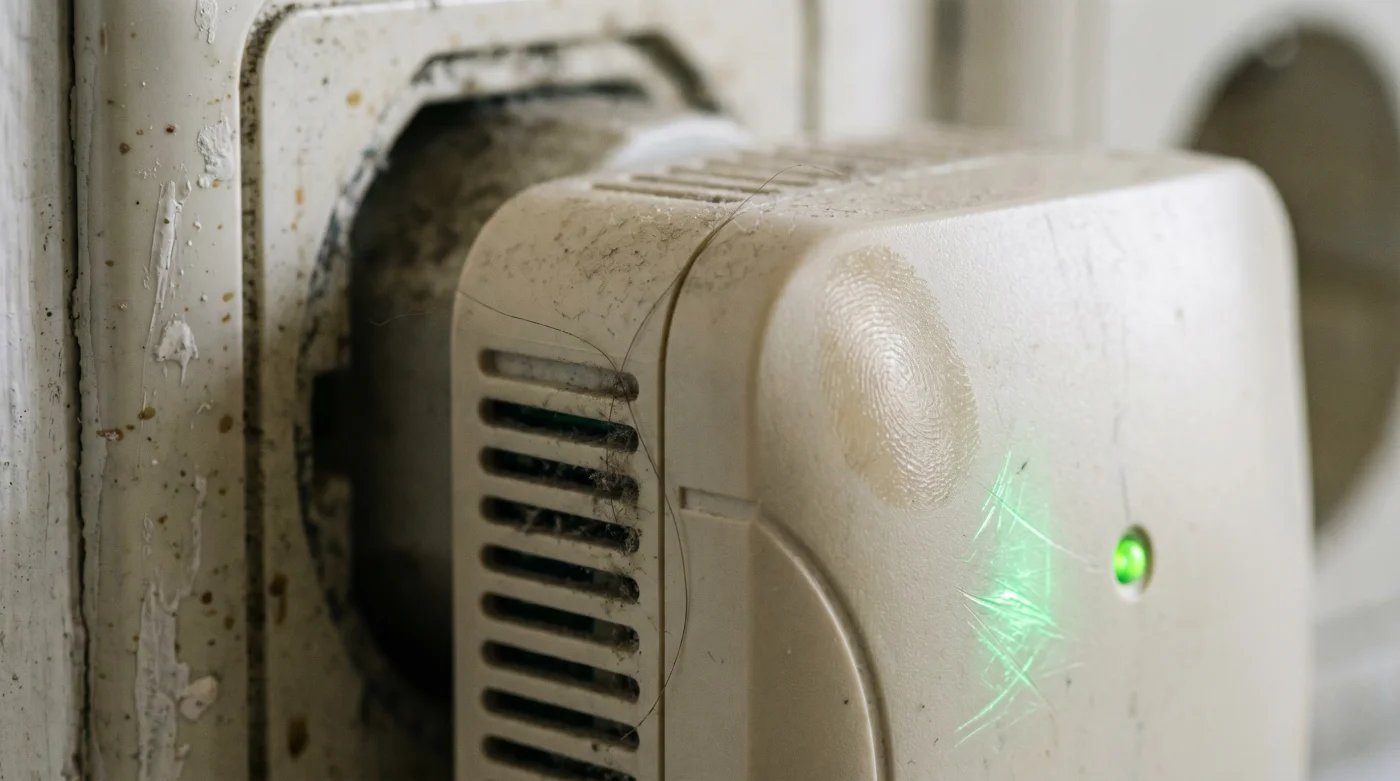
The natural reaction is immediate and practical. You head to the local electronics store or browse online, searching for a quick fix. You find a sleek, white plastic square that promises to push your wireless signal into the farthest corners of your home. You plug it in, watch the green indicator lights blink to life, and return to your desk. The Wi-Fi icon on your laptop now shows a full, robust fan of bars. The problem feels completely solved.
Yet, the next time you try to download a large file or host a client presentation, the connection drags. The video stutters again, despite the glowing evidence of a strong signal. You are paying for a premium fiber-optic internet package, but your devices feel like they are wading through molasses. The truth hidden behind those full bars is a structural compromise that most homeowners never realize they are making.
That little plastic box is quietly running a toll booth inside your network. It cuts your speed by exactly fifty percent the moment you connect to it. To understand why your internet suddenly feels sluggish, you have to look past the signal strength and examine how the signal is actually being handled.
The Illusion of Full Bars
Imagine hiring a translator to help you negotiate a business deal. However, this particular translator is physically incapable of listening to the other party and speaking to you at the same time. They must listen to a complete sentence, pause, turn to you, repeat the sentence, and then turn back to wait for your response. The conversation takes twice as long. This is exactly how a standard, single-radio Wi-Fi range extender operates inside your home.
Most affordable extenders contain only one wireless radio. When your laptop asks for a webpage, the extender has to catch that request, pause its connection to your laptop, turn around, and broadcast that same request to your main router. It cannot multitask effectively. Every single packet of data must be caught, held, and re-thrown. The physics of this single-radio design forces the device to slice your available bandwidth squarely in half.
The bars on your screen are essentially lying to you. They measure the strength of the connection between your laptop and the extender sitting in the hallway. They tell you absolutely nothing about the actual pipeline carrying your data back to the outside world. You have successfully eliminated the dead zone, but you have replaced it with a digital traffic jam.
Understanding this limitation is the first step toward building a network that actually serves your daily life. A true connection requires hardware that can handle continuous, simultaneous conversations without dropping the ball.
The Network Installer’s Secret
Marcus, a 42-year-old independent network engineer in Philadelphia, spends his days fixing this exact frustration. He frequently walks into historic stone colonials and sprawling modern builds where homeowners are paying for gigabit internet speeds. They proudly point to the four different plug-in extenders they scattered throughout the hallways. Marcus routinely unplugs all of them, tossing them into a cardboard box. He explains to his clients that they are suffocating their own network by forcing all that expensive bandwidth through a series of single-lane dirt roads. His job isn’t to boost a weak signal; his job is to provide dedicated, unimpeded pathways for the data to flow freely.
Matching the Hardware to Your Home
Once you recognize the trap of the single-radio repeater, you can begin to tailor a real solution to your specific living situation. Not every home requires a massive, enterprise-grade overhaul. You just need to choose the right strategy for your square footage and layout.
For the Historic Homeowner dealing with thick plaster and lathe walls, a modern tri-band mesh system is the answer. Unlike standard extenders, a tri-band system uses a dedicated third radio exclusively for communicating between the nodes. It acts like a private, high-speed HOV lane just for your network hardware, leaving the other two bands completely free for your phones, televisions, and laptops.
- Front Load Washing Machines Grow Mold From Liquid Detergents
- Carnauba Car Wax Traps Microscopic Paint Scratches Under Direct Sun
- Memory Foam Mattresses Degrade Rapidly When Using Heated Blankets
- Stainless Steel Pans Become Nonstick With This Water Drop Trick
- Hyaluronic Acid Serums Accelerate Dehydration In Dry Indoor Climates
- Smart TV Soundbars Distort Dialogue When Connected Via Bluetooth
- Ceramic Brake Pads Actually Increase Stopping Distance During Winter
- Colorado Inter Miami Ticketing Platforms Just Froze Resale Transfers
- TVMax En Vivo Broadcasters Suddenly Restrict Mobile App Streaming
- OLED TV Screens Prevent Burn In Using This Fast Tweak
For the sprawling single-story ranch, running a physical ethernet cable through the crawlspace to a dedicated Access Point is the gold standard. This completely bypasses the wireless traffic jam. An Access Point doesn’t catch and re-throw wireless signals; it takes a hardwired, full-speed internet feed and translates it directly into Wi-Fi for that specific side of the house.
For the Renter who cannot drill holes or run cables, MoCA adapters offer a brilliant workaround. These devices use the existing coaxial cable lines already inside the walls—the ones meant for cable TV—to send high-speed internet from your router directly to a second access point in the dead zone. It turns the dormant wires in your apartment into a gigabit backbone.
Reclaiming Your Missing Bandwidth
Fixing your home network does not require a degree in computer science. It requires a mindful approach to how data physically travels from the street to your screen. By systematically replacing single-radio bottlenecks with dedicated pathways, you instantly recover the speeds you are already paying for.
Here is your Tactical Toolkit for mapping and curing the dead zones in your home without falling into the depreciation trap:
- Map the dead zones by walking through your home while running a basic internet speed test on your phone. Note where the speed drops significantly, not just where the bars disappear.
- Audit your current equipment. If you have a plug-in extender, locate its model number and check if it is a single-band or dual-band repeater without a dedicated backhaul.
- If wiring is an option, purchase a standalone Wireless Access Point (WAP) and run a Cat6 ethernet cable from your main router to the WAP placed in the weak area.
- If wiring is impossible, upgrade your main router to a Tri-Band Mesh System. Ensure the box specifically mentions a dedicated wireless backhaul.
- Space mesh nodes carefully. Place the secondary node halfway between the router and the dead zone, ensuring it still receives a strong, unimpeded signal from the main unit.
The goal is to create a seamless handover. When you walk from the kitchen to the bedroom, your phone should silently switch to the nearest access point without any interruption in service.
You are building infrastructure, not just applying a temporary bandage to a symptom.
Beyond the Dead Zone
Mastering the invisible waves that drift through your home brings a surprising amount of peace to your daily routine. We ask our digital networks to carry the weight of our work, our entertainment, and our connections to family. When that infrastructure relies on a flawed, single-radio bottleneck, we introduce friction into our lives—dropped calls, buffering movies, and a persistent, low-level irritation.
Removing that friction changes how you experience your space. You no longer have to pace the living room to find a stable connection or apologize for freezing on a morning meeting. You gain a home that simply works, allowing you to focus your energy on the people and projects that actually matter. The technology fades quietly into the background, exactly where it belongs.
A strong signal is useless if the pathway behind it is choked; build roads, don’t just hand out louder megaphones.
| Network Hardware | How It Handles Data | Added Value for You |
|---|---|---|
| Single-Radio Extender | Catches and repeats data on the same band, halving throughput. | Cheap temporary fix, but causes frustrating digital traffic jams. |
| Tri-Band Mesh System | Uses a private radio band just to talk to the main router. | Provides full-speed wireless coverage without dropping video calls. |
| Wired Access Point | Receives full-speed internet via physical cable, broadcasts fresh Wi-Fi. | The absolute highest reliability for permanent home offices and gaming. |
Frequently Asked Questions
Why do I have full Wi-Fi bars but slow internet?
The bars only show the connection strength between your device and the nearest extender, not the actual internet speed passing through that extender’s bottleneck.
Will a more expensive range extender fix my problem?
Only if it has a dedicated wireless backhaul (like a tri-band mesh node). A pricier single-radio extender will still cut your bandwidth in half.
What is a dedicated backhaul?
It is a private, separate radio frequency used exclusively for your Wi-Fi nodes to communicate with each other, keeping your main network free for your devices.
Is mesh Wi-Fi better than a range extender?
Yes. Mesh systems are designed to route traffic intelligently and hand off connections seamlessly as you move, rather than forcing devices to cling to a weak signal.
Can I use my existing TV cables for internet?
Yes, by using MoCA adapters, you can send highly reliable internet signals through the coaxial cables already inside your walls, completely bypassing wireless congestion.