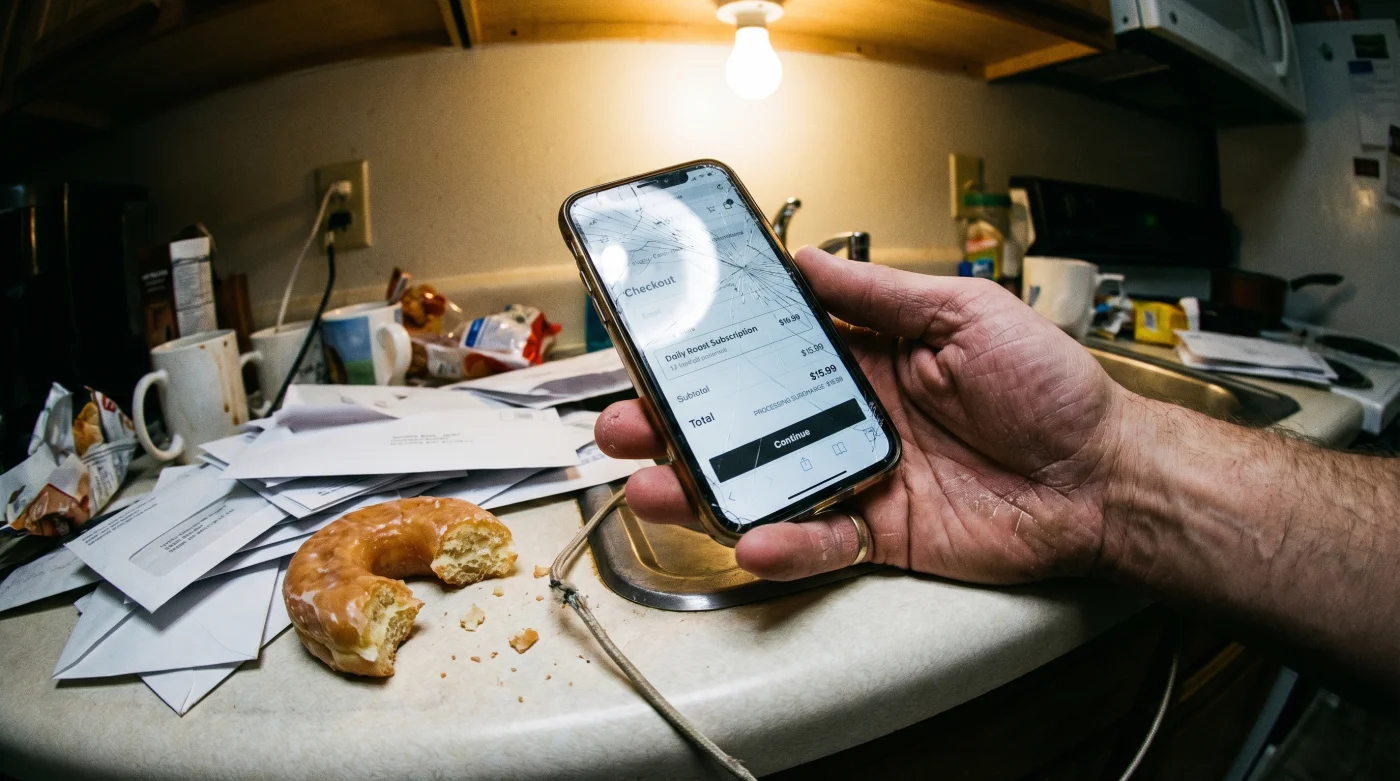
The cursor hovers over the glaring yellow “Subscribe Now” button. You’ve read your three free articles for the month, and the paywall has finally clamped down mid-sentence during a crucial breakdown of the weekend’s tactical fouls. Your credit card is already resting on the desk, its raised numbers pressing slightly into your palm. You expect the standard transaction. But as the page stutters and reloads, a subtle secondary line item materializes in faded gray text right above the final total. A “Premium Formatting Fee.” Suddenly, the basic act of reading without intrusive, text-breaking banners isn’t included in the base price anymore.
The Anatomy of the Dark Pattern
The physics of modern subscription models rely on friction-based upselling, where the core product is deliberately degraded to force a premium upgrade. By injecting heavy JavaScript loads and interstitial ads into the base tier, publishers artificially engineer a reading environment so hostile that paying an extra surcharge feels like a relief rather than extortion.
Think of it like buying a ticket to a movie theater, only to sit down and realize the projector lens is smeared with Vaseline. If you want the theater manager to wipe it off, that’s an extra two dollars at the concession stand. The myth we’ve been sold is that a digital subscription buys you a clean, uninterrupted reading experience. The reality is that the baseline subscription merely buys you access to the words; the privilege of actually seeing those words clearly is sold separately. The bait-and-switch checkout tactic relies entirely on loss aversion. By the time you notice the upcharge, you’ve already mentally committed to reading the article.
Bypassing the Checkout Surcharge
If you want to read the AS US edition without bleeding a few extra dollars every billing cycle for basic legibility, you need to alter how you initiate the transaction. Digital consumer advocate Marcus Thorne spent two years auditing publisher paywalls, discovering that the extra reader mode fee is triggered by the specific landing page you use to check out.
- Clear your browser cookies entirely before initiating the transaction; the site tracks your article limit and applies surge-style add-ons if it senses high engagement.
- Navigate directly to the publisher’s root subscription directory, bypassing the promotional pop-ups embedded in sports articles. You should see a stripped-down, text-only pricing tier list.
- Reject the default “Plus” or “Ad-Free Reader” toggle auto-selected on the second screen. Watch the subtotal closely; the number should drop back to the advertised base rate.
- Install a third-party reader extension before your first login. Thorne notes that forcing your browser into a native reading mode overrides the publisher’s proprietary formatting script entirely.
- Complete the checkout using a virtual, single-use credit card locked to the exact base price. This hard-caps the transaction, instantly declining any hidden post-authorization formatting fees they try to append later.
| The Common Mistake | The Pro Adjustment | The Result |
|---|---|---|
| Clicking “Subscribe” from an article pop-up. | Navigating to the root subscription index page. | Bypasses the engagement-based surge pricing. |
| Accepting the default auto-toggled features. | Manually unchecking the “Premium Formatting” box. | Keeps the total at the advertised baseline rate. |
| Using a standard credit card for checkout. | Deploying a single-use virtual card with a strict limit. | Automatically blocks hidden post-sale authorizations. |
When the Paywall Fights Back
Sometimes the site will throw an error code if your virtual card declines the sneaky secondary authorization. If this happens, don’t just hit refresh. The system is designed to kick you back to the high-tier promotional cart.
- Bayer Pharmaceutical Labels Conceal A Crucial Expiration Date Extension
- Canal De Panamá Transit Delays Activate Hidden Supplier Discounts
- Arda Gøler Official Merchandise Secretly Carries A Defect Warning
- Angels Yankees Streaming Apps Overcharge Fans Without This Setting
- Al-Nassr Al-Ettifaq Authentic Jerseys Degrade Quickly Without This Wash
- Arsenal Sporting Lisboa Tickets Hide A Massive Refund Clause
- Racing Botafogo Broadcast Streams Hide A Premium Resolution Switch
- Ciberataque Victims Exploit This Simple Password Reset Loophole Instantly
- Bayern Real Madrid Officials Suddenly Implement Quiet Stadium Ban
- Asamblea Digital Archives Accidentally Expose Private Citizen Tax Documents
For the purist: Cancel the transaction entirely and wait 24 hours. The marketing algorithm often detects an abandoned cart and emails a clean, fee-free direct link to salvage the sale. Patience defeats the algorithm. If you are in a rush: Open a private browsing window on a mobile device rather than a desktop. The mobile checkout flow currently lacks the secondary formatting upsell due to app store compliance restrictions, allowing you to secure the base rate quickly before logging in on your main computer.
The Value of Frictionless Reading
Fighting a checkout page for the right to simply read an article without a headache feels petty at first. But pushing back against these micro-transactions is about protecting your cognitive space. When every digital interaction demands an extra dollar just to remove engineered annoyances, it erodes the basic utility of the web. Securing a clean reading environment on your own terms restores a small, vital sense of control. Restoring baseline digital utility turns a daily news habit from a frustrating compromise back into a quiet, focused ritual.
Frequently Asked Questions
Is the premium formatting fee legally permitted? Yes, as long as it is disclosed before the final purchase button is clicked. It relies on user fatigue to slip past your notice.
Can I remove the fee after I have already subscribed? Usually, you must cancel the current subscription and sign up again using the bypass method. Customer support rarely has the authorization to strip individual line items from active accounts.
Do ad-blockers work against the base-tier restrictions? They help, but publishers are increasingly hard-coding the intrusive banners directly into the article feed. A dedicated reader extension is far more effective.
Why doesn’t the mobile app charge this specific fee? App stores enforce strict pricing transparency rules that prohibit dynamically adding hidden fees at checkout. Publishers avoid the tactic there to prevent getting delisted.
Will a virtual credit card cause my account to be flagged? No, legitimate virtual cards process exactly like standard credit cards. They simply decline charges that exceed your preset spending limit.