You slide into the window seat, the low hum of the jet engines already pressing against the cabin glass. You reach for your headphones, anticipating that sudden, beautiful vacuum of silence that makes a cross-country flight bearable. You flick the power switch. Instead of silence, a digital voice murmurs a polite but devastating phrase: Battery low.
You charged them yesterday morning, so the sudden drain feels completely illogical. The thick ear pads and sleek matte finish suggest a piece of premium hardware built for endurance, promising up to thirty hours of playback. Yet, here you are, fishing for a charging cord before the safety demonstration even begins.
Most of us instinctively blame the active noise cancellation. We assume the exterior microphones constantly analyzing the roar of an engine or the chatter of an open-plan office are eating through the lithium-ion reserves. But the quiet thief killing your playback time operates entirely in the background, ignoring the physical sounds around you.
This contradicts normal background device operation entirely. You expect a dormant feature to consume zero energy, sitting quietly until summoned. Instead, a specific convenience setting you probably enabled weeks ago is currently running your headset into the ground, even when nothing is playing through the drivers.
The Phantom Search Loop
The culprit is multipoint pairing, a feature designed to seamlessly switch your audio from a laptop video call to a smartphone notification. When functioning perfectly, it feels like an invisible assistant. But when left unchecked, it turns into a severe, parasitic drain on your hardware.
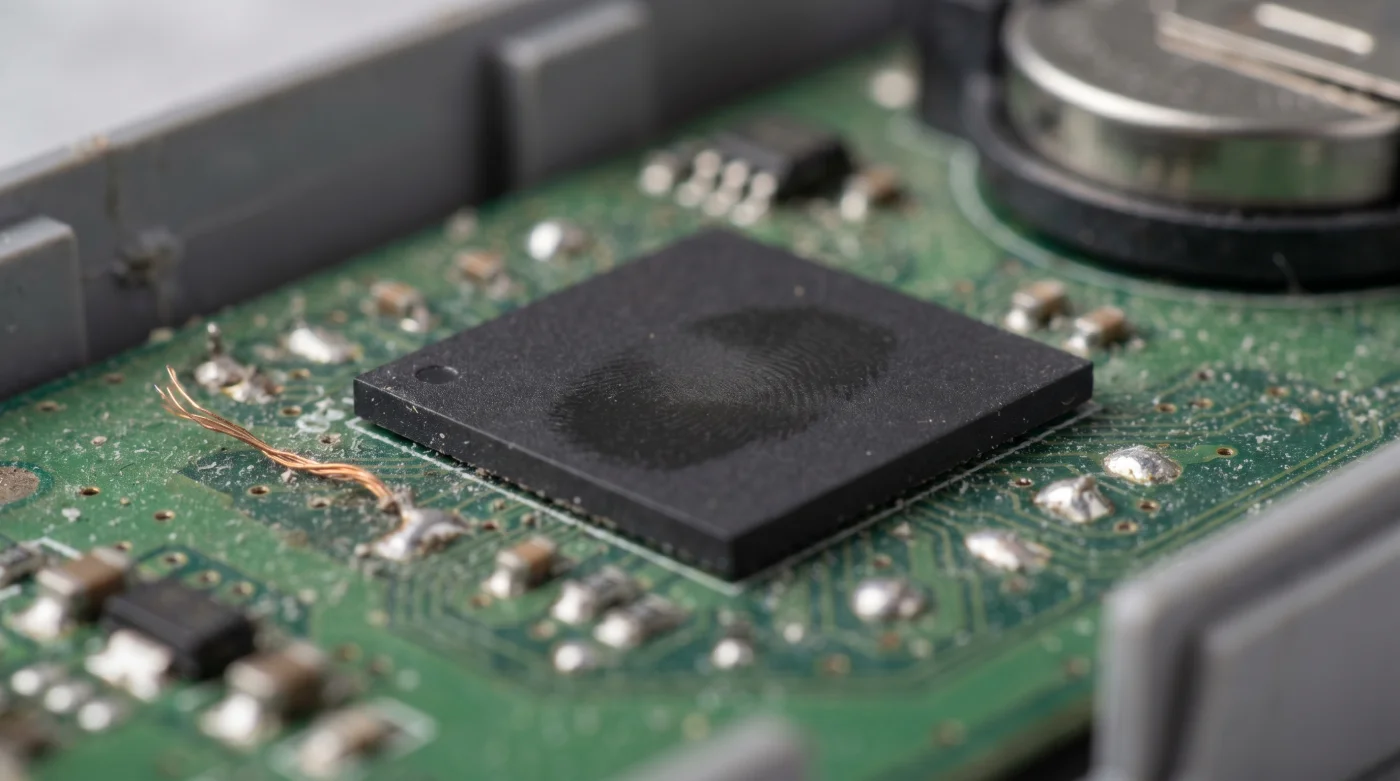
Think of the processor like a nervous host at a party. When multipoint is active but your second device is out of range or asleep, the chip doesn’t just wait patiently. It paces the digital hallway, opening the front door every millisecond, asking the empty porch if anyone is there.
Leaving multipoint pairing enabled forces the internal DSP processor into a continuous, power-draining search loop. The irony is that the very feature intended to simplify your digital life is causing your hardware to work twice as hard for absolutely no payoff. A mundane convenience detail is actually a major flaw in how we manage battery hygiene.
Marcus, a 42-year-old freelance audio mixer working out of a retrofitted garage in Austin, spent months diagnosing this specific hardware frustration. He relied on premium wireless cans to check reference mixes while pacing his studio. Despite rigorous charging habits, his headphones kept dying mid-session.
“I thought the battery cells were degrading,” Marcus notes, adjusting a messy coil of cables on his desk. “Then I ran a diagnostic tool on the Bluetooth chip. The processor was redlining. It turned out my headphones were desperately trying to connect to a tablet I had left in my car three days prior. The headset was burning twenty percent of its capacity just yelling into the void.”
Adapting the Signal
Understanding this phantom battery drain allows you to take control of your hardware, but the solution isn’t universally turning everything off forever. Your approach depends heavily on how you actually move through your day and interact with your various screens.
- Microwave Glass Plates Cook Food Unevenly When Placed Dead Center
- HEPA Air Purifiers Circulate Dust Unless You Vacuum The Prefilter
- Leather Car Seats Crack Faster When Treated With Standard Conditioners
- Vitamin D Capsules Pass Through Your System Completely Unabsorbed Fasting
- Stainless Steel Pans Become Nonstick Following This Boiling Water Trick
- Memory Foam Mattresses Degrade Permanently Under Standard Electric Heating Blankets
- Dishwasher Pods Destroy Internal Plumbing When Placed Inside Dispenser Trays
- Warriors Suns Broadcast Networks Suddenly Disable Mobile Casting Permissions
- Merca Panama Vendors Abruptly Reject Electronic Payment Processing Terminals
- Electric Toothbrushes Lose Power When Kept On Constant Charging Stands
For the Purist: You value uninterrupted focus and maximum battery longevity. If you strictly use your headphones connected to a single audio source—like a dedicated digital audio player or your primary smartphone—multipoint pairing is entirely dead weight. Disable it immediately in your companion app.
For the Desk Jockey: The trick here is proximity. You need your headset tied to your work laptop for virtual meetings, but you also want it paired to your phone for podcasts. Keep both paired devices active and within the standard thirty-foot Bluetooth radius. The DSP only enters a panic state when a paired device vanishes completely.
For the Hybrid Commuter: Your environment shifts constantly from the kitchen counter to the train, to the office. When you leave the house and your tablet stays on the nightstand, your headphones spend the entire commute searching for it, aggressively draining your battery reserves.
The fix requires you to toggle Bluetooth off on secondary devices when you walk out the front door. It is a minor habit adjustment that prevents your headset from spending your morning commute begging for a connection that isn’t there.
The One-Minute Masterclass
Regaining those lost hours of playback requires a brief intervention in your device settings. This isn’t about compromising on features; it is about giving your headset clear instructions on when to rest. Think of this as cleaning the dust out of a mechanical watch.
Follow these deliberate steps to halt the frantic search loop and preserve your battery capacity for actual music playback:
- Open the companion application for your specific headphones on your primary smartphone.
- Navigate to the System or Connections tab in the settings menu.
- Locate the toggle labeled Multipoint Connection or Connect to Two Devices Simultaneously.
- Turn this toggle off to restrict the DSP to a single connection.
- Perform a soft reset on your headphones to clear the cached search history.
The Tactical Toolkit: If you absolutely must use multipoint for your daily workflow, you need a physical strategy to minimize the processor strain when moving between environments.
You should establish a strict connection hierarchy every morning. Always pair your most mobile device first, and your stationary device second. When you leave the stationary device behind, manually disconnect the headset from your phone’s Bluetooth menu just for a moment, then reconnect. This simple reset tells the DSP to stop looking for the missing laptop.
Reclaiming Your Hardware
We exist in an ecosystem of devices that are constantly trying to anticipate our needs. But this automated helpfulness often comes at the cost of raw performance. We trade reliable battery life for the illusion that our technology is always ready, always listening, always searching.
Deliberately taking control of these settings is a small act of rebellion against the default state of modern electronics. When you stop your headphones from double scanning the airwaves for unused connections, you aren’t just saving a lithium-ion cell. You are deciding exactly how and when your tools should operate.
The next time you settle into a window seat and flip that power switch, the voice in your ear won’t be warning you of an empty battery. Instead, you’ll be met with that familiar, comforting vacuum of silence, ready to carry you all the way to your destination.
The smartest hardware in the world becomes entirely useless if we allow background conveniences to drain the lifeblood out of it before we even press play.
| Key Point | Detail | Added Value for the Reader |
|---|---|---|
| Multipoint Pairing | Allows two simultaneous connections but causes DSP search loops when one device is missing. | Understanding this saves up to 20% battery life during transit. |
| DSP Processor | The chip managing audio signals and Bluetooth handshakes constantly. | Knowing how to reset it stops phantom battery drain instantly. |
| Proximity Management | Keeping paired devices within 30 feet prevents the search loop panic state. | Prevents you from needing to unpair devices if you work at a static desk. |
Frequently Asked Questions
Does active noise cancellation drain my battery faster than multipoint pairing? Usually, yes, ANC requires consistent power for the microphones. However, multipoint pairing drain happens continuously in the background even when audio isn’t playing, making it a more insidious killer of standby time.
How do I know if my headphones are double scanning? If your battery is draining significantly overnight or during periods when you are wearing them but not listening to music, the DSP is likely trapped in a search loop.
Will turning off Bluetooth on my phone stop the drain? No, turning off Bluetooth on your current device will just cause the headphones to frantically search for both paired devices. You must turn off Bluetooth on the device you are leaving behind.
Do all wireless headphones have multipoint pairing? Not all, but it is a standard feature on most premium noise-canceling headsets from major audio brands released in the last few years.
Is a soft reset necessary after changing the setting? Highly recommended. The reset clears the temporary cache of the DSP, ensuring it forgets the last ‘missing’ device it was trying to locate.