Why Satellite Feeds Choke
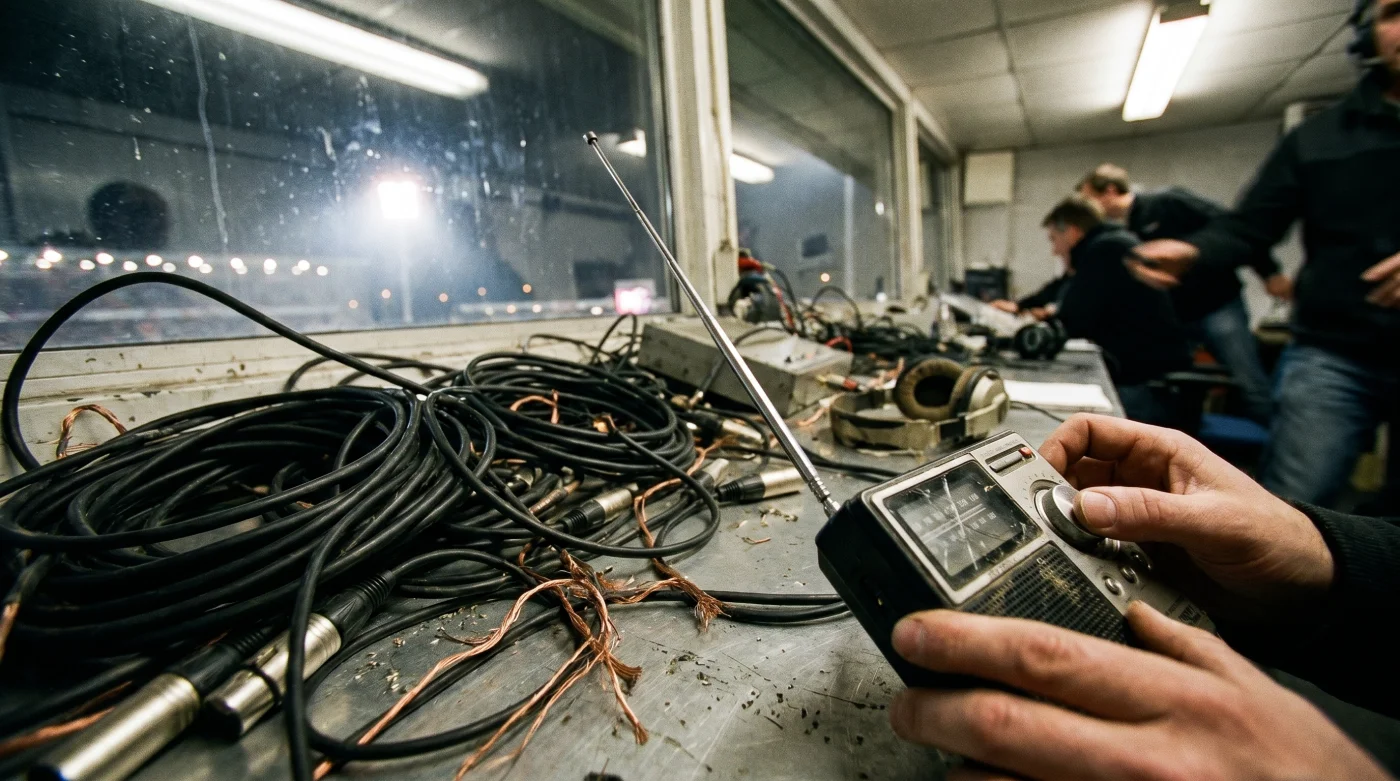
When a live broadcast drops its dedicated audio feed, the instinct is to reboot the cable box or refresh the streaming app. But trying to fix a broken uplink by restarting your local hardware is like changing a lightbulb to fix a neighborhood power outage. The failure isn’t in your living room; it’s a severed audio handshake between the production truck outside the arena and the network’s master control room miles away.The video and audio travel as separate data packets. While the heavily compressed video feed often has redundancies, the isolated commentary track is highly vulnerable to local transmitter interference. By manually bridging the gap with the local radio feed, you bypass the network’s broken audio bridge entirely, leveraging terrestrial radio’s significantly lower latency to control the broadcast yourself.
The 14-Second Delay Protocol
Here is how to effectively build your own broadcast booth from the couch without losing your mind. Former live sports audio engineer Marcus Vance relies on a technique he calls visual anchor points to manually sync feeds when network links fail.1. Mute the television immediately to eliminate the disorienting background crowd noise. 2. Load the official radio broadcast through a web browser rather than an app to minimize forced digital buffering. 3. Identify a sharp, unmistakable physical action on the screen—a referee throwing the ball up for a jump, or a player deliberately bouncing the ball at the free-throw line. 4. Pause the television the exact millisecond you see the ball make contact with the floor. 5. Listen to the radio feed. It will be slightly ahead of the delayed cable video. 6. Wait for the radio announcer to describe the specific free-throw bounce or the whistle you just witnessed. 7. Press play on your television remote. You are perfectly synchronized now, matching the visual cues flawlessly to the audio descriptions.
| The Common Mistake | The Pro Adjustment | The Result |
|---|---|---|
| Restarting the cable box | Switching to local radio | Bypassing network outages |
| Syncing audio to crowd noise | Using visual anchor points | Exact millisecond precision |
| Using native radio apps | Streaming via mobile browser | Reduced buffer latency |
Managing the Audio Drift
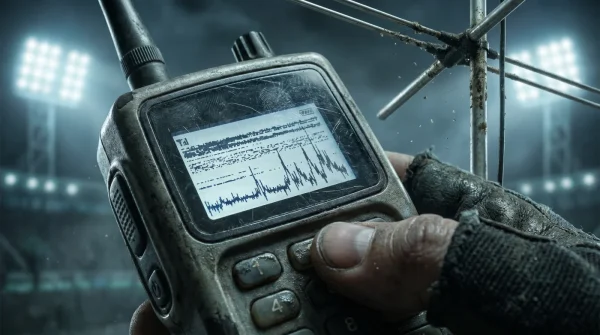
Even when you nail the initial setup, digital radio streams are notorious for micro-stutters. Over the course of a quarter, you might notice the announcer calling a three-pointer while the ball is still in the guard’s hands. This audio drift happens because web servers drop microscopic data packets to keep the stream live.If you are in a rush, don’t obsess over perfection; just use a commercial break to hit pause and reset your visual anchor. For the purist wanting absolute immersion, connect an actual battery-powered analog radio to a soundbar via an auxiliary cable. Analog radio waves travel at the speed of light without digital buffering, meaning you only need to pause your TV for roughly five seconds to catch up to the terrestrial signal.
Reclaiming the Court
When a massive production failure forces us to scramble, it temporarily breaks the passive consumption of a Tuesday night basketball game. But there is a distinct satisfaction in bypassing a multi-million dollar broadcasting failure with a smartphone and a basic understanding of signal latency.You stop relying on the network to curate the experience. Instead, you actively bind the rhythm of the game to the raw, hyper-descriptive energy of local radio callers. Mastering this minor technical inconvenience doesn’t just salvage your evening; it permanently shifts how you watch the sport, giving you the quiet confidence that no technical glitch will ever dictate your access to the game again.
Frequently Asked Questions
Why did the audio cut out in the first place? Network production trucks use separate uplinks for video and audio. A failure in the audio transmitter leaves the video intact but drops the commentary.
How long will the broadcast be suspended? It varies depending on the root cause, but replacing a master control switcher or resetting a satellite handshake typically takes ten to thirty minutes.
Does this work for streaming platforms like YouTube TV? Yes, though streaming platforms already have an inherent 30-second delay compared to cable. You will need to pause the video much longer to let the radio catch up.
- Arda Güler Authentic Memorabilia Prices Crash After This Market Discovery
- Angels – Yankees Official Parking Apps Secretly Overcharge Weekend Reservations
- Al-Nassr – Al-Ettifaq Digital Passes Contain A Hidden Concession Discount
- Racing – Botafogo Ticket Scanners Quietly Reject Third Party Mobile Apps
- Arsenal – Sporting Lisboa Match Officials Suddenly Change Substitution Protocols
- Ciberataque Prevention Fails Unless You Change This Default Network Setting
- Bayern – Real Madrid Broadcasters Hide A Free Alternate Viewing Angle
- River Plate – Carabobo Match Organizers Suddenly Ban Portable Battery Chargers
- Warriors – Clippers Digital Passes Unlock Secret VIP Arena Food Discounts
- Canal De Panamá Toll Systems Quietly Overcharge Tourist Transport Vessels
Can I use a smart speaker to play the radio feed? You can, but smart speakers heavily buffer audio streams. A direct web browser stream on a phone or laptop offers much tighter sync control.
Why is the radio announcer so far ahead of my TV? Cable and streaming video feeds undergo heavy encoding and compression before reaching your home. Radio audio is smaller data and processes much faster.