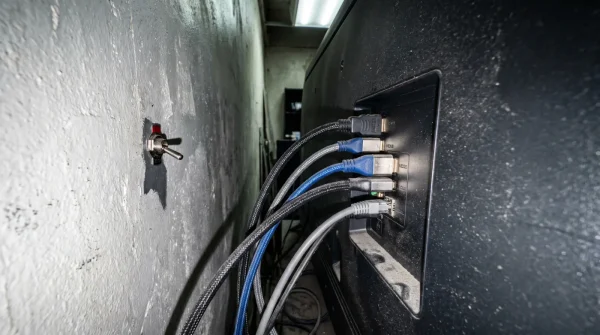
The first sign isn’t a flashing red monitor or a blaring alarm. It is the subtle, erratic whine of your computer cooling fans spinning up to maximum speed at 2:14 AM in an otherwise silent room. Your processor is suddenly radiating heat, working overtime to quietly encrypt every family photo, tax return, and client file you own. You bought the expensive security suite, assuming that was enough to stop a modern ciberataque. It isn’t. Antivirus acts as a security guard inside the lobby, but leaving Windows Port 3389 wide open is like handing a burglar the master keys to the front door. The guard assumes the person walking in already belongs there.
The Open Window In The Fortress
We treat digital security like a biological immune system, pumping our machines full of subscription software to fight off infections. But a direct network breach does not behave like a biological virus; it behaves like a persistent lock-picker testing every door in the neighborhood. The industry standard tells you to continually buy a heavier, more bloated security suite, but that advice is inherently flawed when dealing with structural vulnerabilities. Imagine hiring five heavily armed guards to stand inside a bank vault, but leaving the loading dock completely unstaffed with the door propped open.
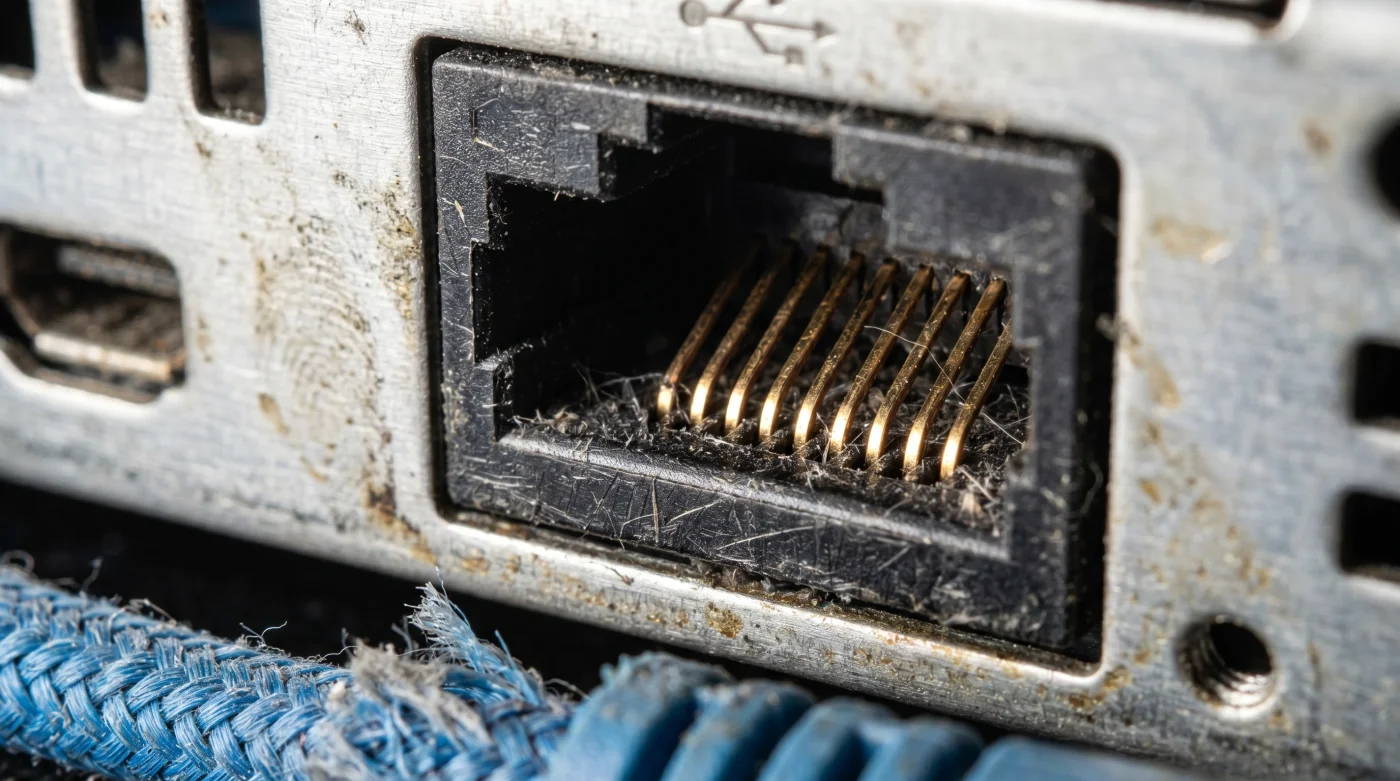
When Port 3389 remains exposed to the public internet, automated scanners flood your IP address with TCP connection requests. The network stack processes these packet requests at the protocol level, allowing attackers to brute-force your login credentials before an antivirus filter even has a file to scan. A threat actor is not writing clever code to bypass your McAfee or Norton software; they are simply walking through the loading dock. You do not need better software. You need a closed door.
The Protocol Lockdown Blueprint
Corporate incident responder Marcus Vance spent a decade cleaning up ransomware messes across the United States. His shared secret is frustratingly simple: stop buying padlocks for a house made of screen doors. The actual fix takes roughly sixty seconds, happens entirely within your operating system, and requires no additional software to execute correctly.
Step 1: Open the command bridge. Press the Windows Key + R to bring up the Run dialog. Type ‘wf.msc’ and hit Enter. You will see the stark white interface of the Windows Defender Firewall.
Step 2: Access the inbound rules. On the left-hand panel, click Inbound Rules. The middle screen will populate with hundreds of default configurations. Do not let the visual clutter overwhelm you; we are looking for the primary vulnerability point.
Step 3: Target the protocol. Scroll down until you spot rules labeled ‘Remote Desktop – User Mode (TCP-In)’. This is the exact pathway automated scanning tools use to test for easy access.
Step 4: Execute the block. Right-click the rule and select Disable Rule. You will see the green checkmark turn into a gray, empty circle. The door is now locked to unsolicited outside traffic.
Step 5: Address the port directly. For absolute certainty, click New Rule on the right panel. Select Port, enter 3389 in the specific local ports box, and choose Block the connection.
- Bayern – Real Madrid Broadcasters Hide A Free Alternate Viewing Angle
- River Plate – Carabobo Match Organizers Suddenly Ban Portable Battery Chargers
- Warriors – Clippers Digital Passes Unlock Secret VIP Arena Food Discounts
- Canal De Panamá Toll Systems Quietly Overcharge Tourist Transport Vessels
- Angels – Yankees Merchandise Vendors Quietly Accept Expired Digital Discount Codes
- Racing – Botafogo Officials Abruptly Suspend Advanced Stadium Video Review Technology
- Al-Nassr – Al-Ettifaq Stadium Vendors Secretly Process Double Credit Card Charges
- Sarpsborg – Bodø/Glimt Streams Deliberately Drain Smart Television Memory Caches
- Arsenal – Sporting Lisboa Tickets Trigger Hidden Credit Card Cash Advances
- Ciberataque Insurance Policies Automatically Deny Claims Without This Router Modification
Step 6: Obscure the fallback. If you actually need remote access, Vance advises changing the default registry assignment entirely. Accessing the registry allows you to change the PortNumber value to a randomized five-digit decimal. You will see the value shift from 3389 to something obscure, breaking the vast majority of automated scripts.
Friction Points And Access Adjustments
Closing an open port abruptly can cause immediate operational friction. The most common error is locking yourself out of your own workstation while trying to access it from a coffee shop three miles away. If your connection suddenly drops, you have not broken the computer. You have simply cut the direct line, and the network interface is operating exactly as designed by refusing the unsolicited handshake.
If you are in a rush: Bypass the firewall menus entirely. Search for Remote Desktop settings in the Windows start menu and toggle the switch to Off. Doing this is the fastest temporary fix for an immediate lockdown when connecting to public hotel Wi-Fi.
For the purist: You likely still need remote access without the risk. The professional adjustment is setting up a localized Virtual Private Network on your home router. You connect to the router’s encrypted tunnel first, granting you local network privileges, which completely hides the internal protocol from the public internet.
The Physics Of Digital Silence
We often mistake a lack of warnings for safety. But a quiet computer isn’t necessarily a secure one; it might just be a compromised machine operating efficiently on someone else’s terms. Taking control of your own network protocols shifts you from a passive consumer of software to an active architect of your digital boundary.
You stop relying on a corporate security vendor to guess what malicious code looks like. Instead, you eliminate the mechanical pathways those codes use to communicate. Imposing that structural control guarantees lasting peace of mind. When your machine sits humming softly in the dark, you know the silence is real, not just the symptom of an unmonitored backdoor.
| The Common Mistake | The Pro Adjustment | The Result |
|---|---|---|
| Relying solely on expensive antivirus suites for protection. | Blocking default incoming TCP/IP Port 3389 at the firewall. | Stops automated brute-force attacks at the network edge. |
| Using default port configurations for remote access. | Shifting traffic to a randomized 5-digit port number. | Bypasses the majority of mass-scanning vulnerability bots. |
| Leaving Remote Desktop active out of convenience. | Disabling the feature entirely until actively needed via VPN. | Eliminates the largest single vector for network infiltration. |
Frequently Asked Questions
Will blocking Port 3389 break my internet connection?
No, it only stops incoming remote desktop requests from accessing your machine. Your web browsing, video streaming, and normal outgoing traffic will function normally.
Does a ciberataque always trigger an antivirus warning?
Rarely, especially if the attackers use legitimate stolen credentials to log in. Antivirus software looks for malicious files, not unauthorized humans using your open network ports.
Should I still renew my antivirus subscription?
Yes, traditional security software is still useful for catching email attachments and malicious downloads. You are simply adding a necessary physical barrier to your network layer.
Is changing the port number in the registry risky?
It can be intimidating, but following the exact file path prevents system damage. If you make a mistake, you can always revert the decimal value back to its original state.
Do Mac computers have this same vulnerability?
Macs use a different protocol for screen sharing, but the principle of closing unused listening ports remains identical. Any service left constantly open to the internet is a silent liability.