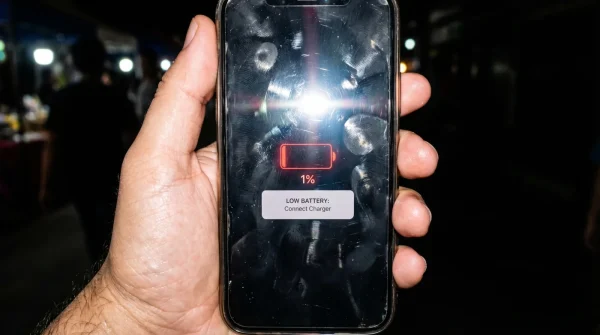
You plug the lightning cable in with a familiar, metallic click. The screen flares to life, illuminating a dark room, and there it is: the battery indicator resting at a dismal twenty percent. You could have sworn it was at fifty just half an hour ago, back when you were finishing your evening commute. A mild, sinking frustration settles in. The immediate assumption is that the physical battery inside the glass and aluminum sandwich is failing, its chemical life exhausted from years of aggressive charging cycles and heavy daily use.
You are likely wrong. When you watch the red bar shrink, you are not seeing the physical degradation of lithium-ion cells. You are looking at a software estimate. That percentage is an algorithm trying to guess a chemical reality, and over months of erratic charging habits, short top-ups, and extreme temperature fluctuations, that algorithm becomes hopelessly confused.
Think of it like a gas gauge in a car where the physical needle has bent out of shape. The tank might hold fifteen gallons, but the needle violently hits empty when there are still four gallons splashing around inside. If you trust the needle blindly, you might conclude the car is permanently broken and pay to replace the entire fuel tank. If you know how the system actually operates, you realize you just need to fix the needle. Your iPhone battery settings hide a quiet, identical truth: the degradation numbers you see are often a complete miscalculation of a perfectly healthy charge ceiling.
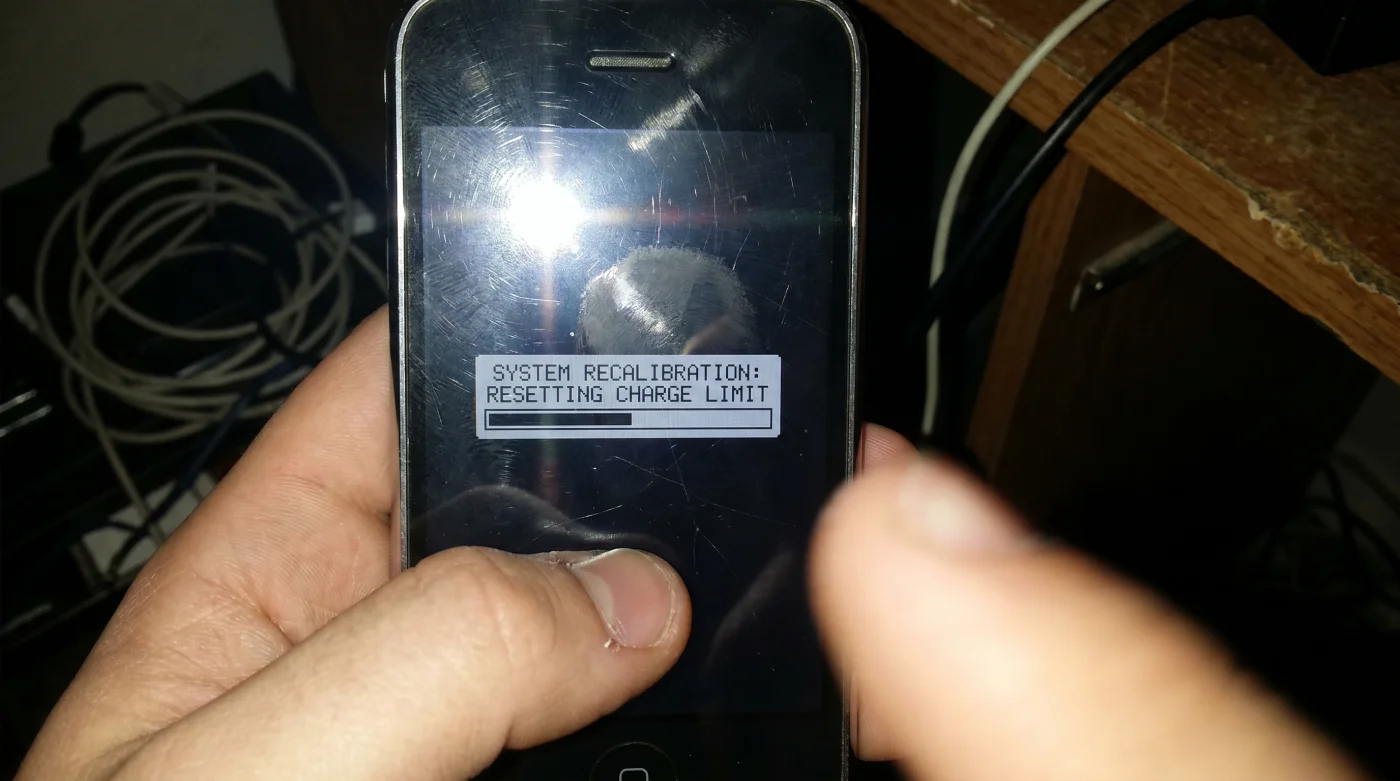
This is the secret that repair shops rarely advertise. You can manually force the operating system to rethink its math. By triggering a specific sequence, you force the software to realign the digital scale, often restoring hours of perceived capacity without spending a dime on a hardware replacement.
The Illusion of the Aging Lithium
Your phone uses an intricate mathematical model to measure voltage limits. Lithium-ion cells do not communicate their capacity directly; they do not send a neat little signal confirming they are half full. Instead, the device measures the resistance and voltage curve as power flows in and out, building a historical profile of your hardware. As you use your phone daily, constantly interrupting the charge cycle, leaving it plugged in overnight, or exposing it to random bursts of heat from gaming, the software slowly loses track of where the absolute bottom and top of the battery actually reside.
The result is a shrinking window of use. The system prematurely shuts off your device to protect itself from a sudden brownout that is not actually coming. It creates a false ceiling, making you believe the cells died when they just stopped communicating correctly with the motherboard.
The Bench Technician’s Confession
Elias Thorne, a forty-two-year-old former independent repair technician working out of a dusty, neon-lit storefront in Portland, saw this phenomenon daily. Customers would hand him devices begging for new batteries, pointing angrily at a settings screen that loudly declared the maximum capacity was severely degraded. They expected to leave their phones for hours and pay a heavy premium for replacement hardware, convinced their beloved device was on its last breath.
Elias rarely replaced those batteries right away. Instead, he relied on a deliberate routine that forced the motherboard to reset its maximum and minimum voltage flags. He would wipe the memory slate, allowing the device to see the raw chemical potential it was stubbornly ignoring. He saved locals thousands of dollars just by making the software acknowledge reality.
Assessing Your Device’s True State
Not all battery confusion happens for the same reason. Your daily habits dictate exactly how the software loses its calibration, shaping the specific way your phone lies to you.
- Baking Soda Actually Darkens Roasted Vegetables Instead Of Crisping Them
- Synthetic Motor Oil Actively Destroys Older Vehicle Engine Valve Seals
- Manchester United Tickets Now Mandate An Unprecedented Biometric Verification Scan
- Tottenham Brighton Streams Suddenly Block Mobile Screen Casting Worldwide
- Noise Canceling Microphones Distort Your Voice Over Standard Bluetooth Connections
- Washing Machine Drums Breed Black Mold Behind The Rubber Seal
- Laser Printers Outlast Inkjet Models Simply By Avoiding Standby Mode
- Coffee Grinder Burrs Double Their Lifespan Using One Dry Rice Cycle
- Salicylic Acid Cleansers Cause Severe Breakouts When Rinsed Too Quickly
- Toyota RAV4 Hybrid Batteries Degrade Rapidly Using Default Eco Mode
For the Perpetual Desk Worker, the phone spends its life tethered to a charger, hovering around one hundred percent. The algorithm forgets what the bottom half of the battery feels like, so when you finally unplug for a long trip, the software drops the percentage rapidly to protect itself from the unknown. You need to reintroduce the lower limits to the system so it remembers how to function off the cord.
For the Weathered Commuter, extreme shifts in temperature wreak havoc on voltage readings. Pulling your phone out in twenty-degree Fahrenheit wind chills causes a temporary voltage drop that the software permanently misinterprets as cell death, artificially capping your limit even when you return to a warm room.
For the Erratic Top-Up Artist, plugging in for ten minutes in the car, five minutes at a coffee shop, and twenty minutes at home creates a highly fragmented charging history. The system loses the ability to track a full, uninterrupted cycle. It starts to guess your true capacity, usually erring heavily on the side of caution and reducing your available hours to avoid an unexpected shutdown.
The Recalibration Sequence
Correcting this software drift requires a deliberate, almost meditative approach to your device. You are temporarily ignoring the panic of a dead screen to let the internal logic reset itself naturally. This is not a fast process, and it requires patience.
First, use the device normally until it shuts down completely. Do not plug it in immediately. Let it sit empty for at least three hours. This waiting period allows the residual voltage in the cells to settle, ensuring the software truly recognizes a true absolute zero state before waking back up.
Next, plug the device into a reliable wall adapter using a certified cable. Leave it completely alone. Do not turn the screen on to check the progress or answer notifications. You must let the device focus entirely on receiving power smoothly.
- Use a standard five-watt charging brick to ensure a slow, cool charge.
- Do not use wireless charging pads, as they generate excess heat that skews voltage readings.
- Keep the phone in a room with a moderate, consistent temperature.
Let it charge continuously to one hundred percent. Once it hits the maximum, do not unplug it. Leave it on the charger for an additional two hours. This extra time allows the system to balance the internal cells and register the actual top end of the physical capacity without the interruption of an unplug event.
Perform a hard reset while the device is still connected to power. Once it reboots, unplug the cable. Your software gauge is freshly aligned with the actual physical chemistry of your battery.
Reclaiming Your Digital Autonomy
Understanding this relationship changes how you interact with your technology. You stop seeing your phone as a decaying object and start recognizing it as a machine requiring occasional maintenance. You take back control from an anxious operating system that is trying too hard to protect you.
The peace of mind that comes from knowing your hardware is sound is invaluable. You are no longer bound to the repair shop appointment page the moment your percentage dips unexpectedly. You have the tools to verify the truth of the system, breathing life back into your device with nothing more than patience and a standard charging cable.
The hardware rarely fails as quickly as the software gets confused; calibrate the mind of the machine before you replace its heart. – Elias Thorne
| Key Point | Detail | Added Value for the Reader |
|---|---|---|
| Capacity Illusion | Percentages are software estimates, not pure chemical reality. | Prevents panic buying of replacement hardware. |
| Temperature Impact | Cold weather causes temporary voltage drops misread as permanent damage. | Saves you from falsely assuming winter destroyed your phone. |
| Recalibration | A deliberate full-cycle routine resets the top and bottom voltage flags. | Restores missing hours of daily usage for free. |
Common Recalibration Concerns
Will this delete my personal data?
No, recalibration only resets the hidden battery management system logs, leaving all your photos, apps, and messages completely untouched.How often should I perform this sequence?
Once every three to four months is sufficient to keep the software accurately aligned with the physical battery chemistry.Does this work on older devices?
Yes, this fundamental method applies to nearly all models, as the underlying voltage logic remains remarkably consistent across generations.What if my phone shuts off abruptly at twenty percent?
That is the exact symptom of a misaligned gauge. Forcing the deep drain and slow recharge will correct this specific reading error.Can I use a fast charger for this process?
It is much better to avoid fast charging during recalibration, as the excess heat generated can subtly skew the top-end voltage readings.