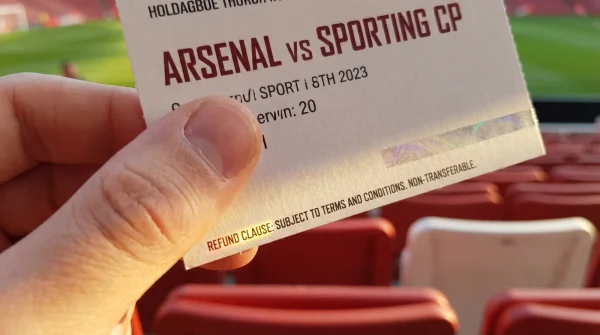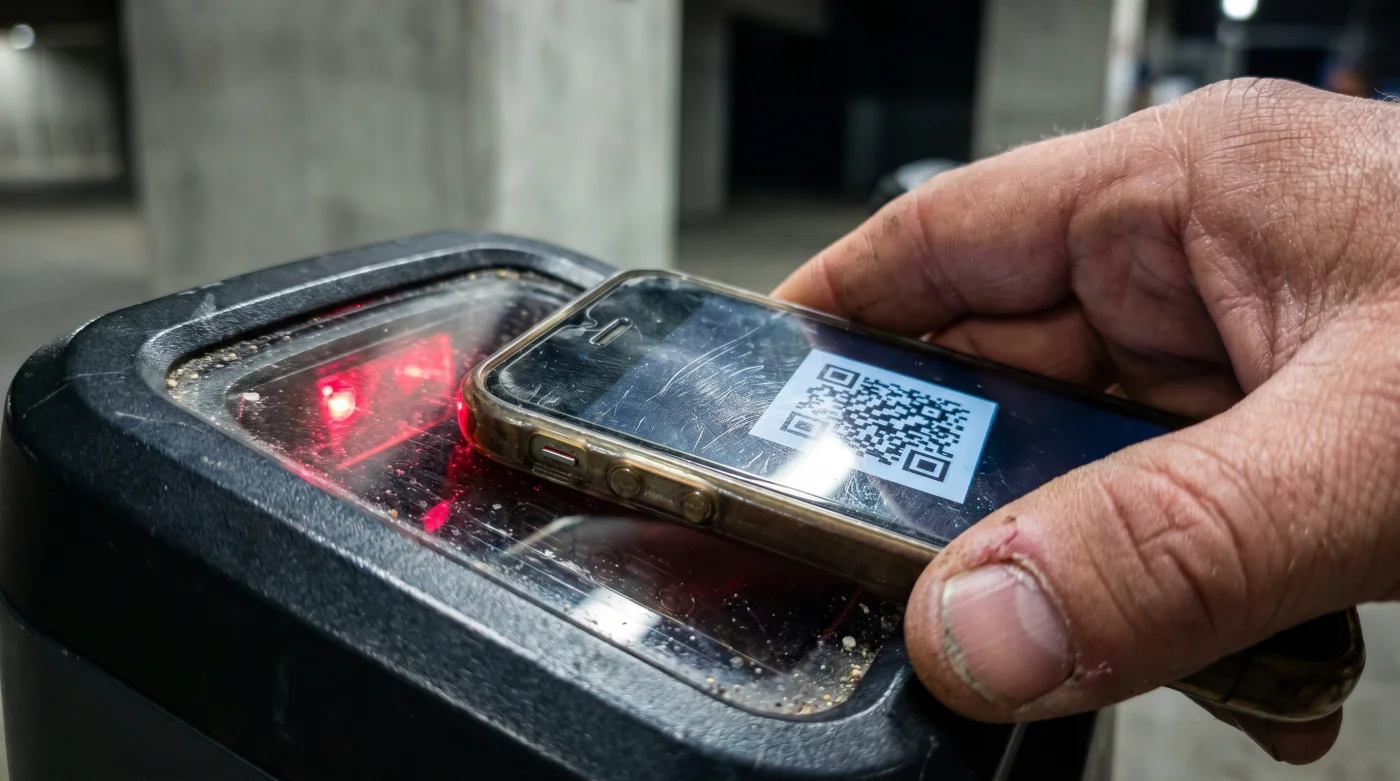
Imagine the specific panic of the Emirates Stadium turnstile. The sharp wind cuts through your coat, the line of impatient fans presses against your back, and the digital scanner emits that flat, hollow beep of rejection. You rub your screen, desperately tilting your phone away from the glare of the overhead floodlights, but the barcode refuses to scan. You aren’t doing anything wrong with your ticket, but the optical readers at the gates demand exactly 100 percent manual screen brightness to register the contrast of the digital pass. If your phone is sitting at its default auto-adjusted 60 percent, you are going to be standing out in the cold while the opening whistle blows.
The Auto-Dimming Sabotage
Most people assume that modern barcode scanners work like a camera, capable of adjusting to shadows and low light. They do not. These older optical readers function more like a frustrated person squinting through a dirty window. They rely entirely on the severe contrast between the black pixels of the QR code and the blinding white pixels of the background.
When your phone’s ambient light sensor detects the dim evening sky or the shadow of the turnstile canopy, it aggressively dims your screen to save battery. The result? The scanner reads your screen as a solid gray blur. Turning off specific display features to force harsh white light is the only way to ensure the necessary optical collision.
The Turnstile Prep Protocol
Avoid the frantic, last-minute swiping at the gate. As stadium security technician Marcus Thorne often reminds exasperated fans, the turnstile is the worst place to learn your phone’s settings menu. His shared secret is to completely isolate your phone’s display settings while you are still sitting on the train.
- Access the control center. Pull down from the top right or top of your screen depending on your operating system.
- Disable automatic brightness. You must find the ambient light toggle and shut it off entirely. If you leave it on, the phone will just dim the moment you step under the turnstile roof.
- Slide brightness to maximum. The screen should physically hurt your eyes a little in the dark.
- Turn off color-shifting modes. Disable any warm light filters or night shifts. The scanner needs pure, harsh white light, not a warm amber glow.
- Lock the screen orientation. You want the barcode sitting rigidly upright so it matches the scanner lens without rotating away.
- Wipe the glass. A single greasy thumbprint over the barcode scatters the light emission, creating a false read.
Bypassing Digital Glitches
Even with a blindingly bright screen, digital ticketing ecosystems are notoriously fragile. Bad cellular service at the stadium means you cannot rely on loading a live app interface at the gate. The infrastructure is simply too congested to pull down data when sixty thousand people are pinging the nearest cell tower simultaneously.
- Ciberataque Malware Self Destructs After You Activate This Hidden Router Protocol
- Bayern – Real Madrid Officials Abruptly Enforce A Strict Stadium Device Ban
- River Plate – Carabobo Match Streams Automatically Downgrade Your Video Quality
- Canal De Panamá Booking Portals Hide A Massive Tourist Toll Discount
- Warriors – Clippers Broadcasters Just Suspended The Live Audio Commentary Feed
- Arda Güler Authentic Memorabilia Prices Crash After This Market Discovery
- Angels – Yankees Official Parking Apps Secretly Overcharge Weekend Reservations
- Al-Nassr – Al-Ettifaq Digital Passes Contain A Hidden Concession Discount
- Racing – Botafogo Ticket Scanners Quietly Reject Third Party Mobile Apps
- Arsenal – Sporting Lisboa Match Officials Suddenly Change Substitution Protocols
For the purist, download the ticket directly to your native digital wallet hours before kickoff. These native apps temporarily override your system settings to force maximum brightness automatically when the ticket is opened. If you are in a rush, you can take a high-resolution screenshot of the QR code. While some modern NFC ticketing systems prohibit screenshots, standard optical barcode gates for Arsenal – Sporting Lisboa matches will usually process a brightly lit photo if the live app completely fails to load.
| The Common Mistake | The Pro Adjustment | The Result |
|---|---|---|
| Relying on stadium WiFi to load the ticket app at the gate. | Storing the pass in a native digital wallet offline. | Instant access without buffering. |
| Leaving True Tone enabled to protect your eyes. | Forcing harsh, blue-white light on the screen. | The scanner easily reads the barcode contrast. |
| Using auto-brightness under the turnstile shadow. | Locking manual brightness to exactly 100 percent. | A seamless, single-scan entry. |
Securing Your Matchday Peace of Mind
Attending a major European fixture shouldn’t feel like an IT troubleshooting exam. We spend hundreds of dollars and months of anticipation for these specific ninety minutes, only to let a completely preventable hardware setting dictate our access.
Taking control of your device’s light output is a small, mechanical habit, but it completely reclaims your gate access. Instead of pleading with an unfeeling piece of stadium infrastructure, you walk straight through. You get to leave the stress outside the concrete walls and focus entirely on the pitch.
Quick Reference: Digital Ticketing Issues
Why won’t my screen stay bright at the scanner?
Your phone is using an ambient light sensor to adapt to the shadows of the stadium entrance. You must manually disable auto-brightness in your settings before approaching the gate.Will a cracked screen prevent my ticket from scanning?
Usually, yes. Spiderweb cracks refract the light coming from your screen, making it impossible for the optical reader to distinguish the barcode lines.Can I just print my digital ticket on paper?
No, most modern digital passes use dynamic barcodes or NFC technology specifically to prevent unauthorized printing. You must use a mobile device to enter.Does dark mode affect the scanner?
Yes, it can completely invert the expected contrast of the ticket app. Always switch your phone to light mode to ensure the QR code displays black against a pure white background.What happens if my phone dies in line?
You will be redirected to the stadium box office to verify your identity and purchase history. Bring a portable charger, as this process usually takes longer than the first half of the match.