The smell of warm cardboard and off-gassing packing foam fills your living room. You peel the protective film off a sheet of glass no thicker than a pane of window glass. You hit the power button, and a blinding, hyper-saturated manufacturer logo floods the dim room.
It looks spectacular. It also marks the exact second your new investment begins cannibalizing its own lifespan. The default visual settings are quietly running the hardware into the ground right in front of your eyes.
When you drop a couple of thousand dollars on a premium panel, the expectation is longevity. Yet, millions of people plug in their displays, leave the picture mode on the brightest option available, and wonder why ghost images of news tickers haunt their screen three years later.
To actually outlast the cheaper, backlit alternatives on the market, you have to stop treating your screen like a stadium billboard. Preserving organic light requires a deliberate, almost counterintuitive step backward in intensity. You have to turn down the heat.
The Showroom Sabotage
Think of your television’s out-of-the-box configuration like a sports car permanently redlining in first gear. Retailers need displays to compete with warehouse fluorescent lights and rows of rival screens. They push the blue light and contrast to artificial extremes to grab your attention from sixty feet away down the electronics aisle.
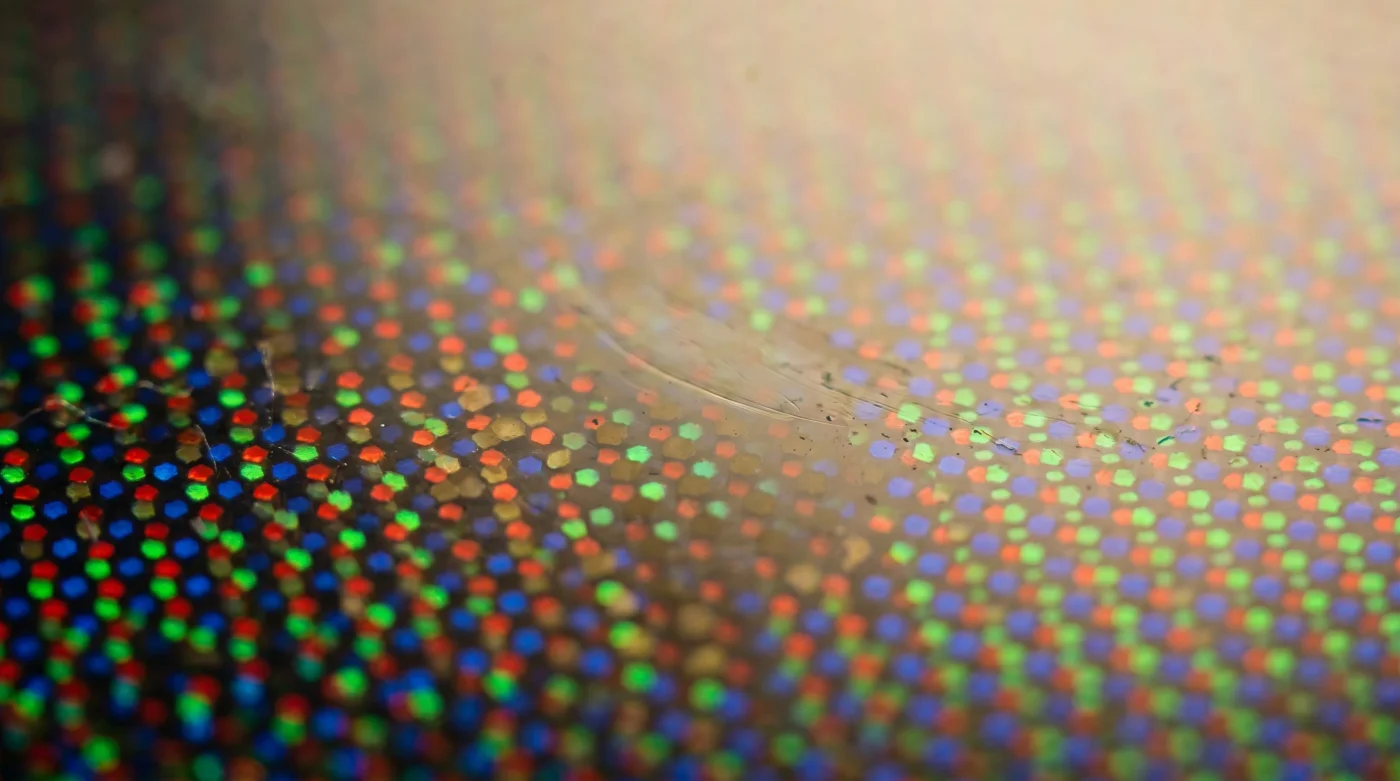
Once that panel sits in your moderately lit den, that same intensity becomes a massive liability. You are burning the diodes at maximum capacity for a purely artificial gain. Unlike older technologies that use a uniform backlight, organic pixels generate their own illumination. When they run hot for too long, they degrade unevenly. Turning down the peak luminance is the only way to activate true buy-once utility.
Elias Thorne, a 42-year-old senior colorist working out of a small post-production house in Philadelphia, sees this tragedy daily. He spends his weeks grading cinematic shadows for independent films, but his real crusade happens at dinner parties. “I will literally steal the remote from my friends,” Elias admits. He immediately hunts for the pixel brightness slider, dropping it from the factory-set 100 down to a modest 45. To Elias, leaving a panel on maximum brightness is like trying to appreciate a quiet acoustic guitar solo while standing next to a jet engine.
Adapting the Glass to Your Life
Hardware survival is not a one-size-fits-all equation. Your specific daily habits dictate how those sensitive organic pixels age over the years.
- Ceiling Fans Push Hot Air Down Without This Switch Reversal
- Hyaluronic Acid Actually Dehydrates Skin Without A Damp Washcloth Application
- Leather Car Seats Lose Resale Value Without Weekly Microfiber Conditioning
- Baking Soda Destroys Meat Textures Without This Specific Acid Ratio
- Lithium Ion Batteries Degrade Instantly When Drained Below Twenty Percent
- TVN En Vivo Broadcasts Suddenly Block Unregistered Mobile Device Access
- Beneficiario Status Updates Now Require Immediate Digital Bank Authentication
- All-Wheel Drive Systems Actively Devalue Vehicles Without Full Service Records
- Olive Oil Marinades Actively Destroy Meat Textures Over High Heat
- Merca Panama Produce Suppliers Abruptly Change Bulk Purchasing Weight Limits
For the Midnight Cinephile: If you only power up the screen after the sun goes down, your room operates like a theater. You need virtually zero ambient light compensation. Switch to Filmmaker Mode or Cinema Mode. The screen will initially feel muted, but your eyes adjust within minutes, revealing rich shadow details that the blinding factory settings completely crushed.
For the Afternoon Sports Fan: Sunday football means harsh afternoon sunlight glaring through the living room windows. You need higher luminance just to see the turf clearly. Instead of leaving the TV on a permanent bright setting, utilize a dedicated bright-room profile. This restricts the maximum brightness to only the hours you actually need it, sparing the panel during your evening sitcoms.
For the Chronic Gamer: Video games are notorious for static elements. Health bars, minimaps, and weapon icons rarely leave the corner of the screen. These permanent fixtures are the natural enemy of organic pixels. Engaging the console-specific gaming optimizer mode ensures the panel manages its thermal load and often dims static logos automatically.
The ‘Buy Once’ Calibration Protocol
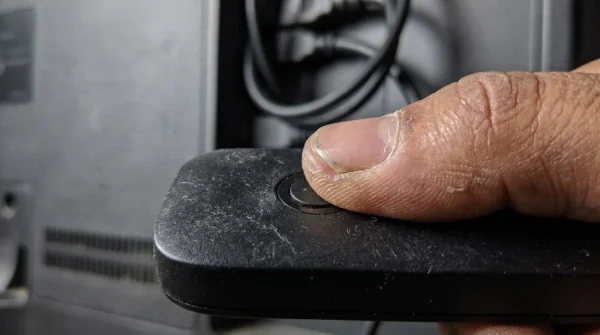
Protecting your panel requires five minutes of deliberate navigation. Grab your remote control and step away from the temptation of hyper-saturated, candy-colored visuals. You are not just adjusting a picture; you are extending the life of a highly sensitive instrument.
Follow these specific actions to stabilize the thermal output of your television, creating a sustainable environment for the hardware:
- Evict the Vivid Mode: Navigate immediately to your picture settings and change the active profile from Vivid or Standard to Cinema, Movie, or Filmmaker Mode.
- Throttle the Peak Light: Locate the specific setting named OLED Pixel Brightness. Do not confuse this with the standard brightness setting, which controls black levels. Drop this value to somewhere between 40 and 55 for standard evening viewing.
- Enable Pixel Shifting: Dig into the panel care or screen saver menus. Ensure the screen move or pixel shift feature is toggled on. This physically moves the image by a single pixel every few minutes, imperceptible to the eye but crucial for the diodes.
- Activate Logo Dimming: Set the adjust logo brightness feature to high. The operating system will automatically detect static network watermarks and dim them locally to prevent localized burn-in.
The Tactical Toolkit: Keep your firmware automatically updated, ensure the television is never unplugged from the wall overnight so it can run its invisible maintenance cycles in standby, and maintain a room temperature below 85 degrees Fahrenheit to prevent thermal buildup behind the glass.
Cultivating a Ten-Year Window
Buying premium hardware is a quiet commitment to quality. When you bring home top-tier electronics, the goal is never to replace them when the next minor iteration hits the shelves. You want a reliable, invisible conduit for the art, news, and entertainment you care about.
By turning down the artificial intensity, you reclaim the natural lifespan of the machine. The images look more organic, your eyes feel significantly less fatigued after a long movie, and the anxiety of screen degradation entirely fades away. You are no longer fighting the technology; you are simply giving it the environment it needs to quietly perform for the next decade.
“A television should be a window, not a flashlight. When you stop forcing the screen to compete with the sun, it will outlast every other appliance in your living room.”
| Key Setting | Technical Detail | Added Value for You |
|---|---|---|
| Pixel Brightness | Reduces max voltage to the organic diodes. | Drastically lowers the risk of image retention and thermal wear. |
| Filmmaker Mode | Disables artificial sharpening and motion smoothing. | Delivers a natural image while reducing processing heat. |
| Standby Power | Allows background pixel-refresh cycles to run. | Maintains panel uniformity without any active effort from you. |
Is leaving my TV on a news channel bad for the screen? Yes. The static tickers and bright logos at the bottom of the screen will eventually cause uneven wear. Switch channels occasionally or use the logo dimming feature.
Why does my screen look so yellow in Cinema mode? Factory settings push blue light to make the screen look artificially bright. Cinema mode pushes the color temperature to a warm, accurate white point. Your eyes will adjust in ten minutes.
Should I unplug my television during a thunderstorm? Yes, to protect against surges, but do not unplug it nightly to save power. It needs standby power to run essential screen maintenance programs.
Does lowering the brightness ruin HDR content? No. In HDR mode, the television automatically overrides your manual settings to deliver the creator’s intended highlights, then drops back down for standard viewing.
How long does an organic panel actually last? With mindful settings and moderate use, a modern premium panel is rated to easily surpass 30,000 to 100,000 hours before any noticeable degradation in peak brightness occurs.